35
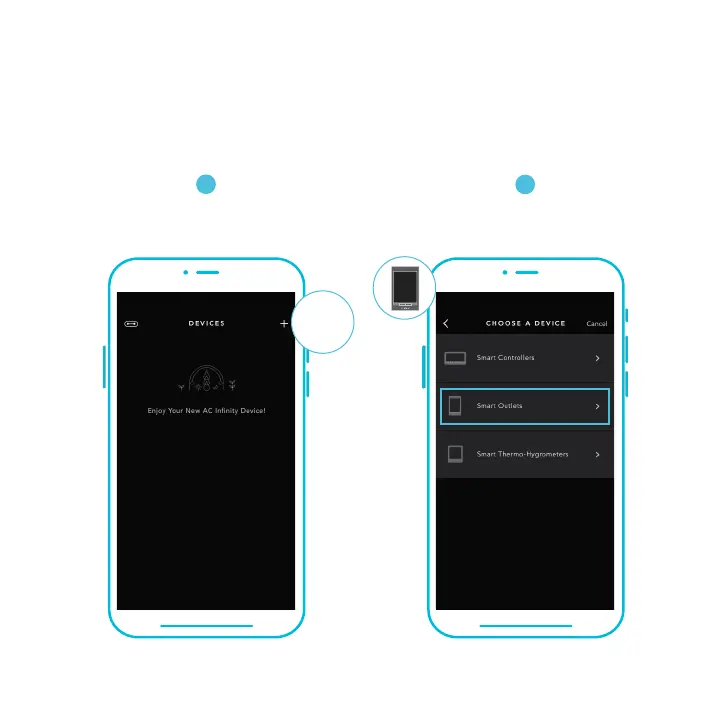
ADD A DEVICE
1
Tap on the “+” tab to
add your smart device.
2
To launch the app, tap on the
"Smart Outlets" tab to begin pairing.
Please note: Bluetooth must be enabled on your mobile device before starting the pairing process.
SETUP AND PAIRING
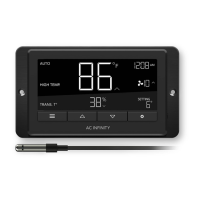
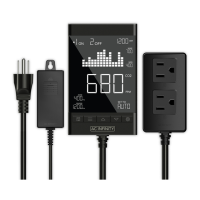
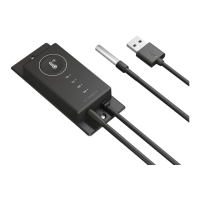
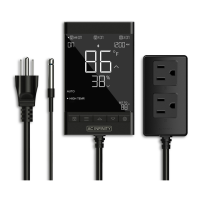
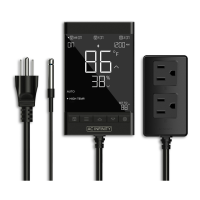
Power your device on before pairing your device with the app. Refer to pages 10-12 for
more information regarding controller setup.
+


 To Next Page