23
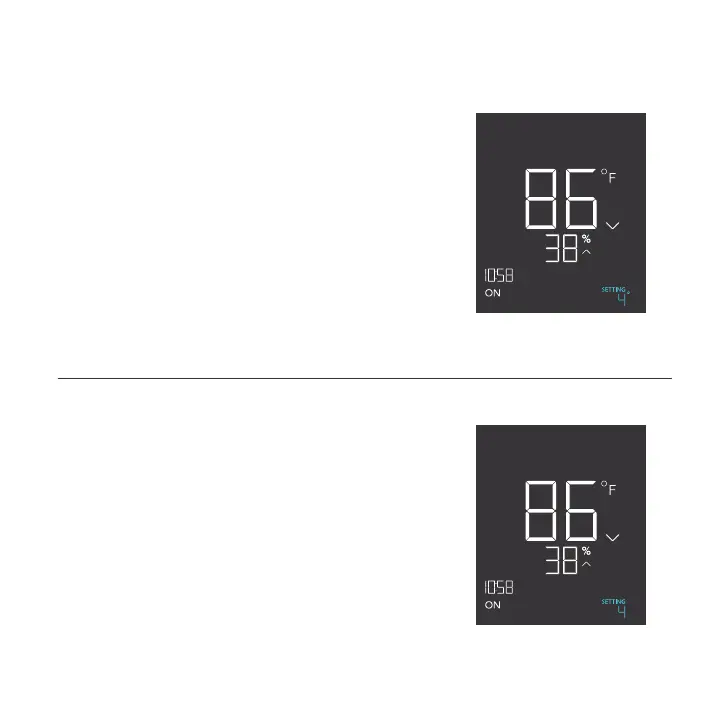
BUFFER TEMPERATURE SETTING
Sets a gap from your set temperature trigger to prevent
your device from shutting off too quickly. Press the up or
down button to cycle through buffer range from 0°F to
8°F (or 0°C to 4°C).
In high temperature triggers, your device will turn on,
only turning off when the temperature falls below your
buffer setting.
In low temperature triggers, your device will turn on, only
turning off when the temperature rises above your set
buffer setting.
PROGRAMMING
PM
T°BUFF.
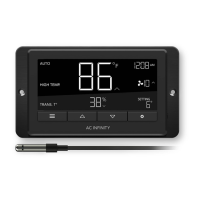
BUFFER HUMIDITY SETTING
Sets a gap from your set humidity trigger to prevent your
device from shutting off too quickly. Press the up or down
button to cycle through buffer range from 0% to 8%.
In high humidity triggers, your device will turn on, only
turning off when the humidity falls below your buffer
setting.
In low humidity triggers, your device will turn on, only
turning off when the humdity rises above your set buffer
setting.
PM
H%
%
BUFF.


 To Next Page