39
APP SETTINGS
SETTINGS
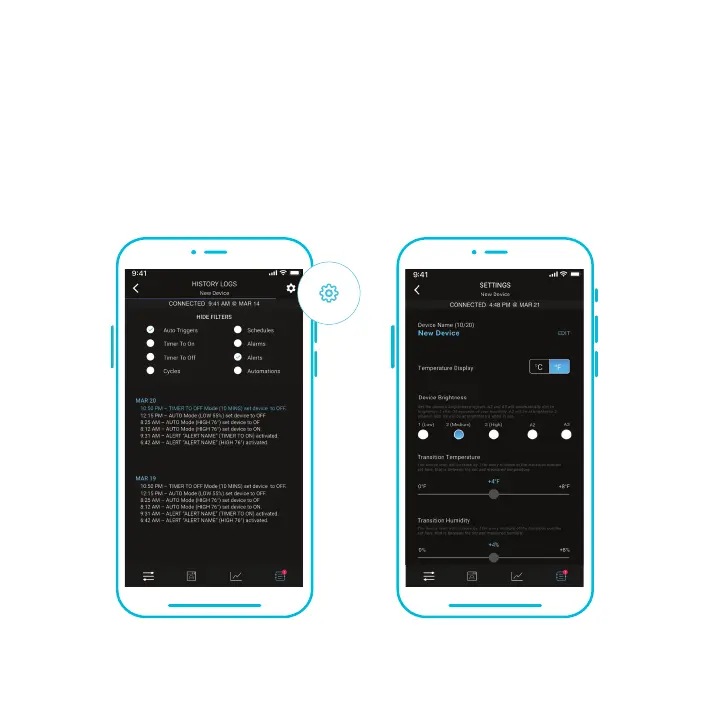
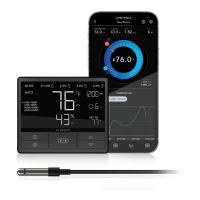
Tap the gear icon to access the settings. Sets all controller-related parameters including Device
Name, Temperature Display, Screen Brightness, Buffers, and Calibrations. Tap CONFIRM to
save your settings. Tapping CANCEL will leave the settings menu without saving changes.
Tapping DELETE DEVICE will unpair your controller from the app.


 To Next Page