35
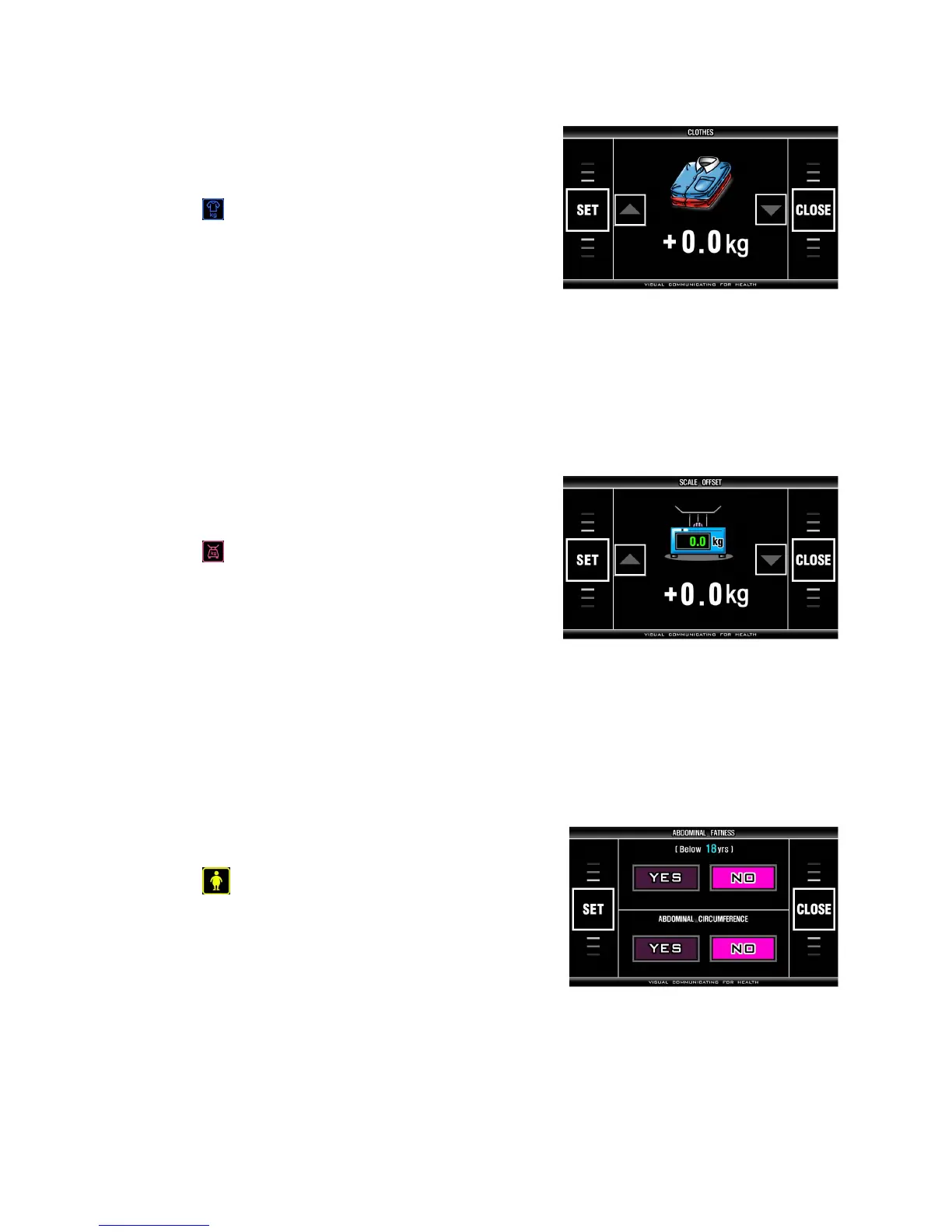
< CLOTHES >
It is to subtract the weight of clothes worn by the subjects
from measured weight. Calculated value from this setting
is used in body composition analysis as subject’s weight.
- Select (CLOTHES) on SYSTEM SETUP screen
and press ‘SET’ on touch pad.
- Pre-set: 0.0 kg
- Range: 0 ~ - 9.9 kg
- Set the value with ‘▼, ▲’ button in touch screen.
- Every single press changes this value by 0.1 kg.
- Press ‘SET’ on touch pad to save selected value.
- Return to SYSTEM SETUP screen by pressing ‘CLOSE’ on touch pad.
< SCALE OFFSET >
It compensates measured weight. Calculated value from
this setting is used in body composition analysis.
- Select (SCALE OFFSET) on SYSTEM SETUP
screen and press ‘SET’ on touch pad.
- Pre-set: 0.0 kg
- Range: -9.9 ~ +9.9 kg
- Set the value with ‘▼, ▲’ button in touch screen.
- Every single press changes the value by 0.1 kg.
- Press ‘SET’ on touch pad to save selected value.
- Return to SYSTEM SETUP screen by pressing ‘CLOSE’ on touch pad.
< ABDOMINAL FATNESS >
It sets the analysis of abdominal fatness under 18yrs.
- Select (abdominal fatness) on SYSTEM SETUP
and press ‘SET’ on touch pad.
- Pre-set: NO
- Choose YES or NO on touch pad.
- If YES is selected, abdominal analysis is displayed to all age.
- If NO is selected, abdominal analysis is not displayed to the patients below 18 years old.
- Press ‘SET’ on touch pad to save it.
- Return to SYSTEM SETUP screen by pressing ‘CLOSE’ button on touch pad.


 To Next Page