46
⑤ Measurement posture 2
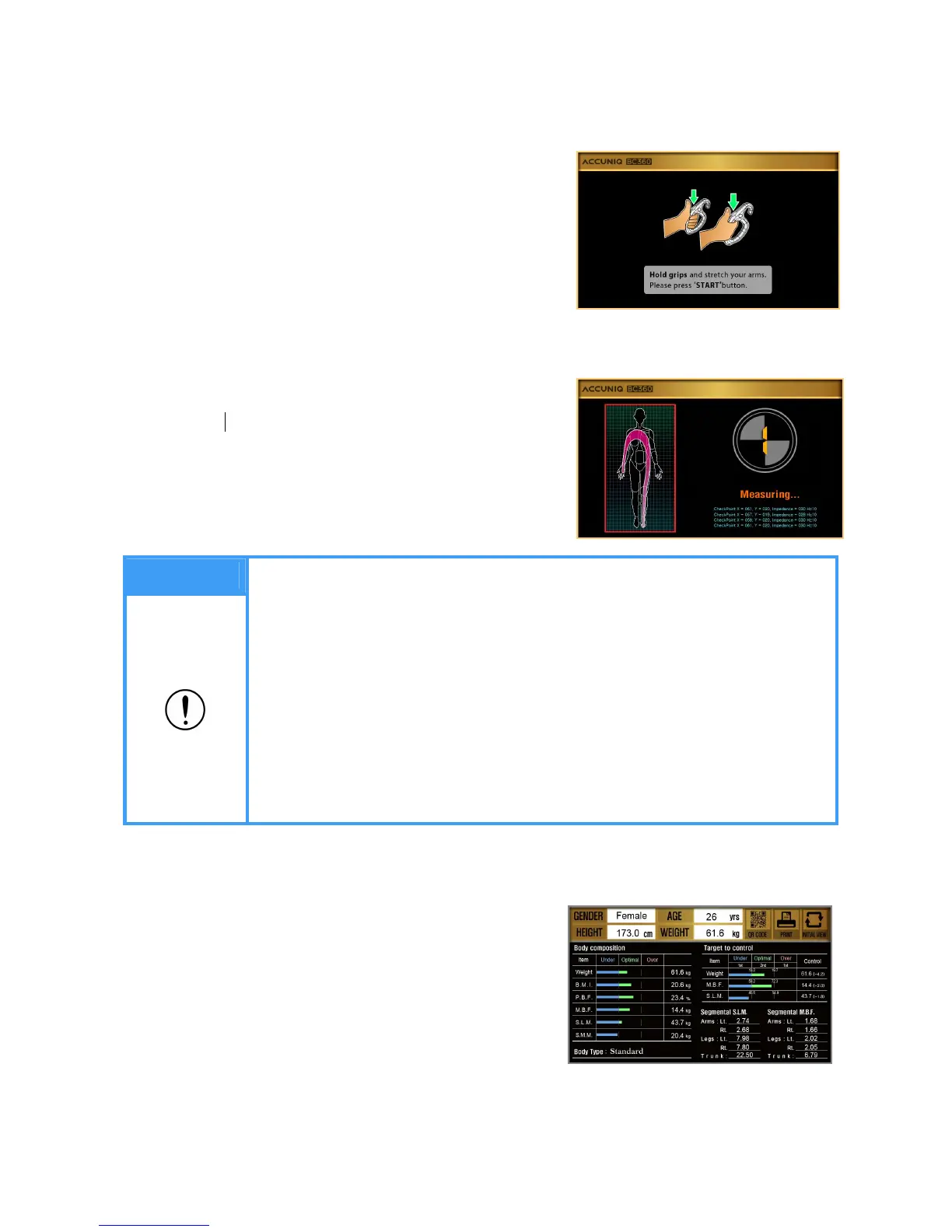
The screen changes as shown in the picture.
- Grip electrode handles correctly and press start
buttons with thumbs at the same time.
- Impedance measurement starts by pressing start
buttons.
- Do not move or speak during measurement.
⑥ During the measurement, the following screen
appears.
⑦ Result screen
- After analysis is completed, the result is displayed on the screen.
- The result is presented with graph and numerical
value so it is understood easily.
Note
1. Press both start buttons for 2 seconds. Do not move or bend the arms until
the measurement is completed. Measuring time is within 1 minute.
2. When the measurement is wrong,
- Error message appears on the screen.
- To measure again, hold the handle electrodes and press start buttons with
thumbs.
- If the measurement fails three times in a row, the message appears as
below. "The measurement can not complete due to the continuous errors.
Step down from the scale for the initialization.
- Refer to ERROR & REPAIR part for the detail.


 To Next Page