47
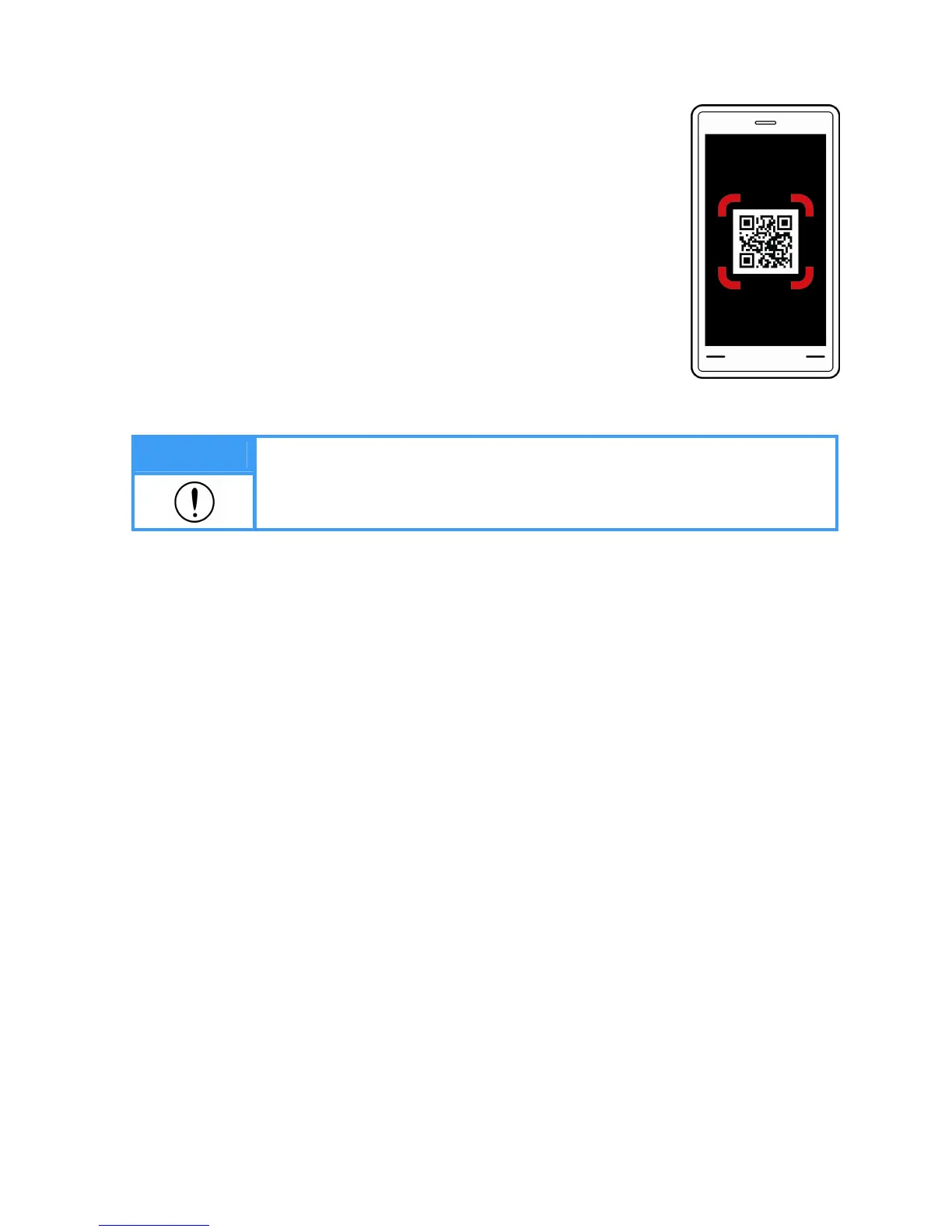
⑧ Scanning QR code
- Press the ‘QR code’ on the device screen to enlarge the icon and
scan the ‘QR code’ with a mobile device to save the data in the
server.
After scanning the ‘QR code’, you can check the measurement
data with your mobile device and manage it at will from the server
in which it is saved.
Note
1. Scan the QR code with a QR code reader in a smart mobile device.
2. The data saved in the server could be damaged or lost due to a problem
with the server.
⑨ Restarting
- Once the result is displayed on the display, it can be printed out in pre-printed result sheet.
- After confirming the analyzed result, press ‘Initial view’ to restart.
- The device returns to the initial screen after one minute.
2) Analysis using a height meter


 To Next Page