14
English
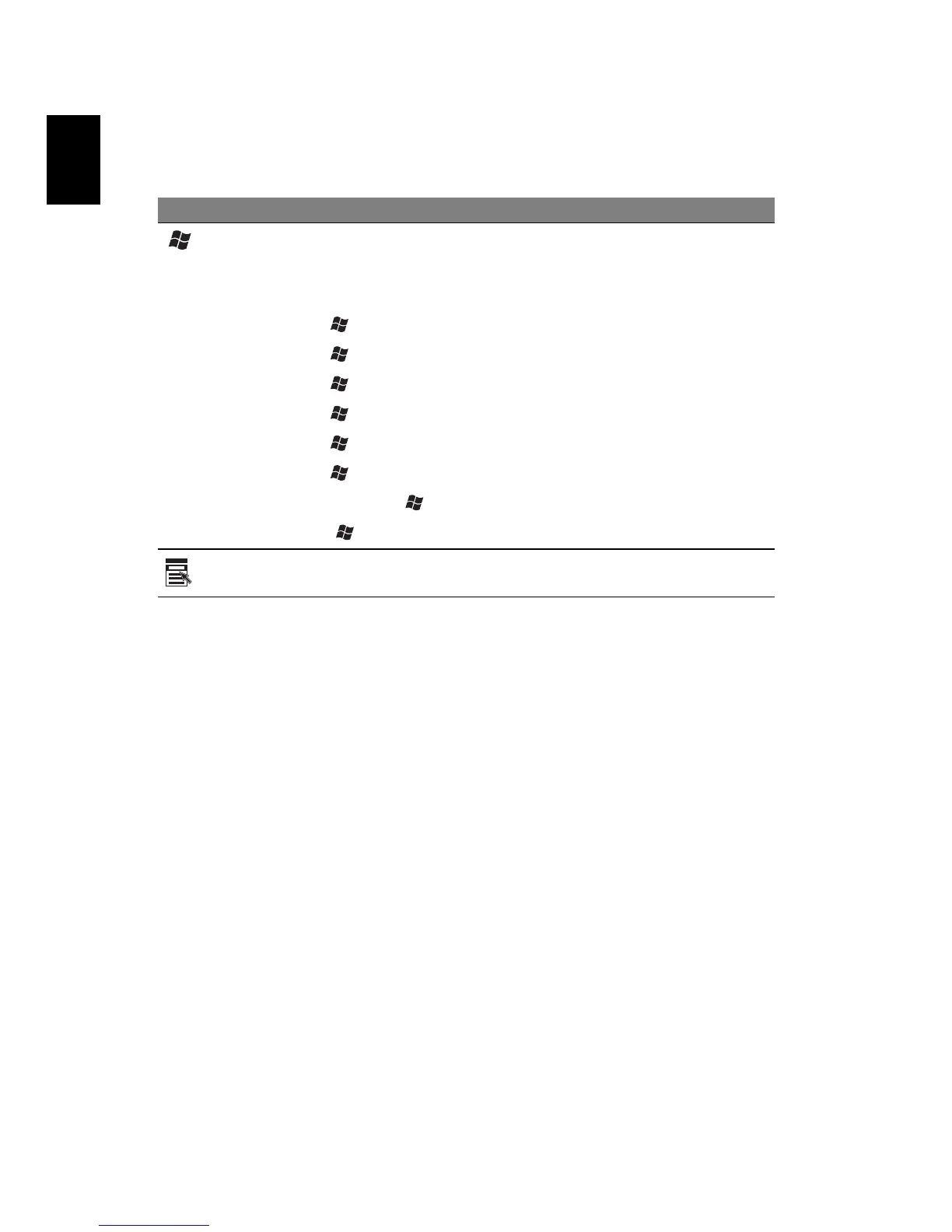
Windows keys
The keyboard has two keys that perform Windows-specific functions.
Key Description
Windows
key
Pressed alone, this key has the same effect as clicking on
the Windows Start button; it launches the Start menu. It
can also be used with other keys to provide a variety of
functions:
< > + <Tab> Activates the next Taskbar button.
< > + <E> Opens the My Computer window.
< > + <F1> Opens Help and Support.
< > + <F> Opens the Find: All Files dialog box.
<> + <R> Opens the Run dialog box.
< > + <M> Minimizes all windows.
<Shift> + < > + <M> Undoes the minimize all windows
(< > + <M>) action
Application
key
This key has the same effect as clicking the right mouse
button; it opens the application's context menu.


 To Next Page