21
English
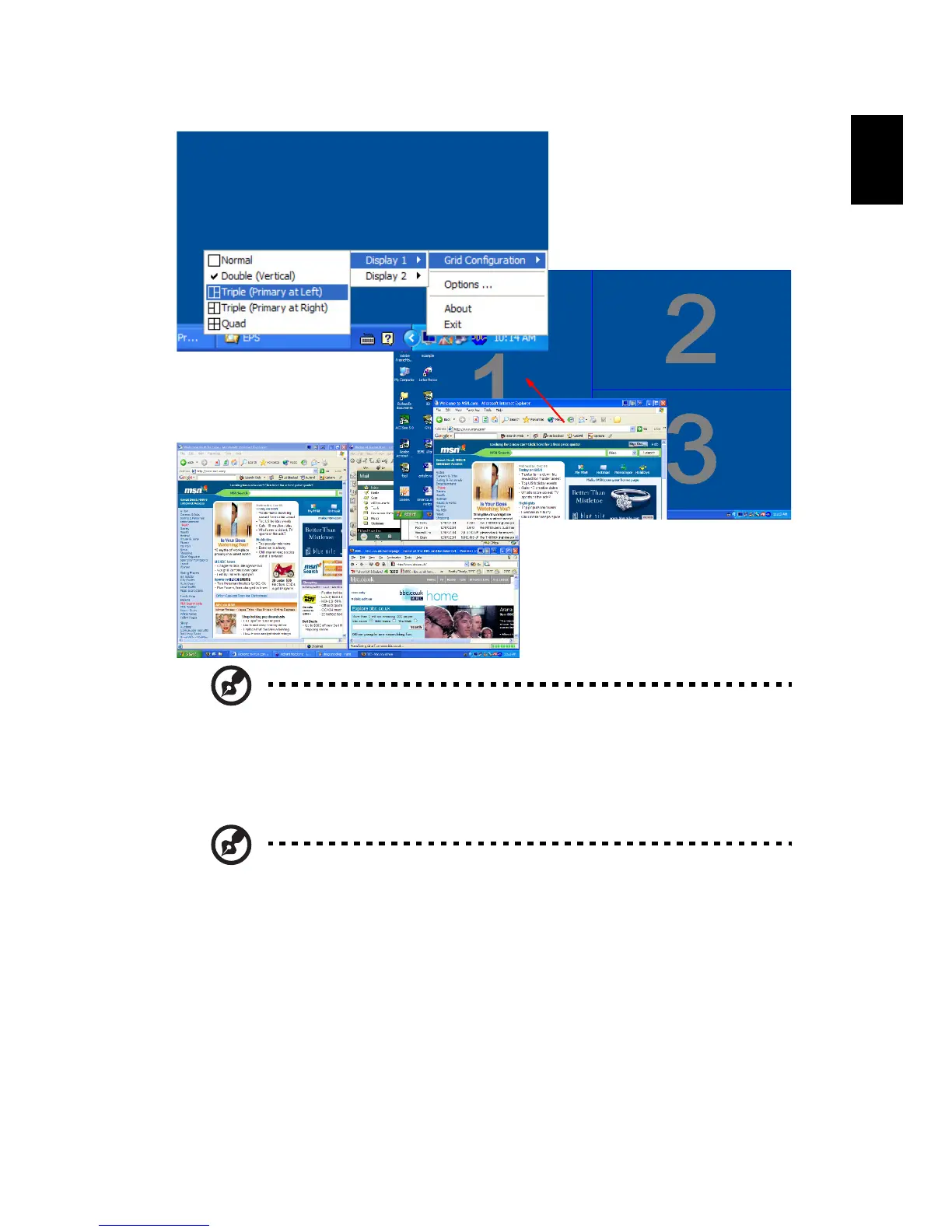
Note: Please ensure the resolution setting of your second monitor
is set to the manufacturer's recommended value.
Acer disk-to-disk recovery
Note: If your system is the multilingual version. The operating system and
language you choose when you first power-on the system will be the only
option for future recovery operations.
Restore without a Recovery CD
This recovery process helps you restore the C: drive with the original
software content that is installed when you purchase your notebook.
Follow the steps below to rebuild your C: drive. (Your C: drive will be
reformatted and all data will be erased.) It is important to back up all
data files before you use this option.


 To Next Page