19
English
Using the system utilities
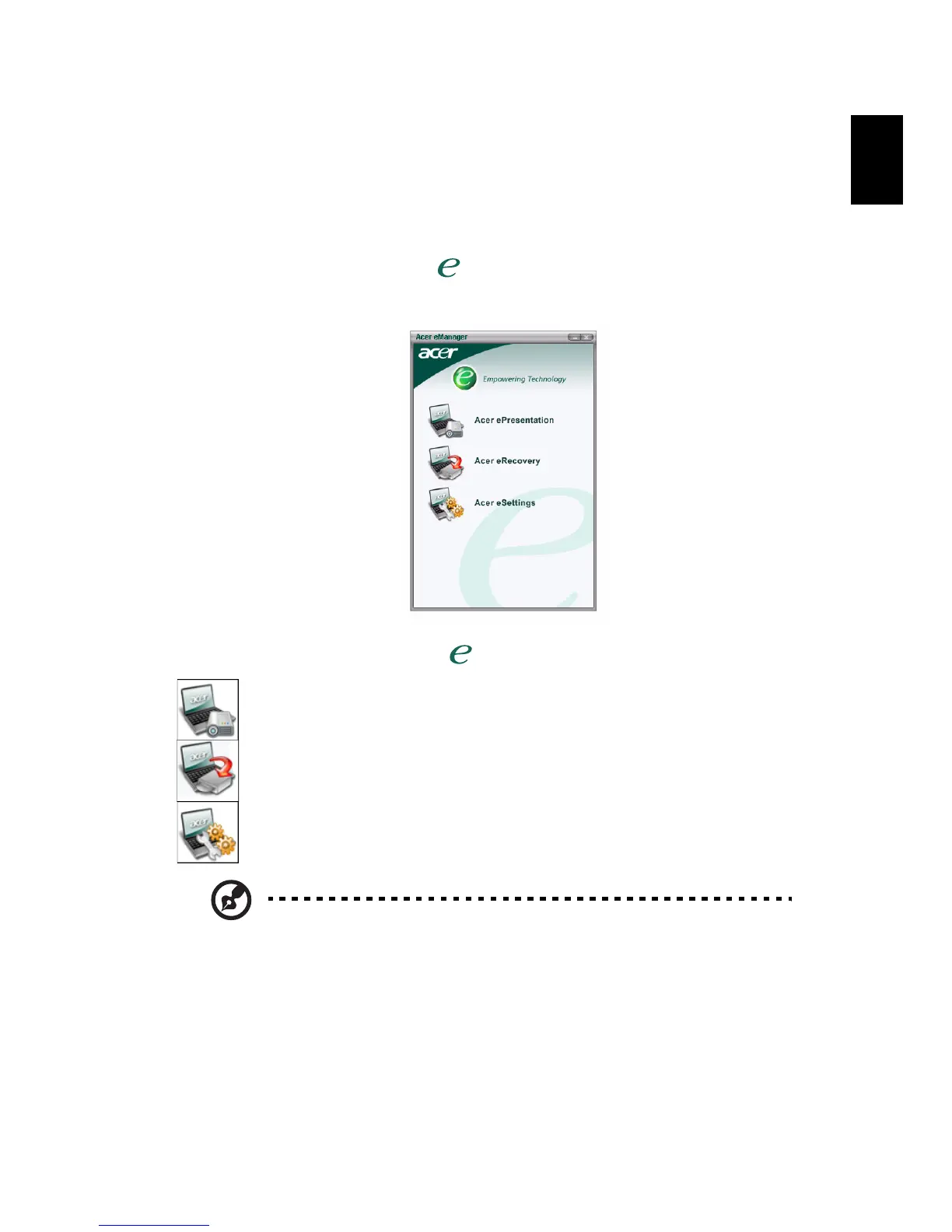
Acer eManager
The innovative Acer eManager software is designed for easy access to
frequently used functions. Press " ," to launch the Acer eManager user
interface, featuring three main settings: Acer eSettings, Acer ePresentation and
Acer eRecovery .
To set the Acer Empowering Key " ", see "Launch keys" on page 10.
Acer ePresentation
simplifies resolution settings when connecting to a projector.
Acer eRecovery
creates backups and recovers system configurations reliably.
Acer eSettings
makes managing system settings and security easy.
For more information, open Acer eManager, click on the
appropriate application and select the Help function.


 To Next Page