1
English
An Aspire tour
After setting up your computer as illustrated in the Just for Starters... poster, let
us show you around your new Aspire computer.
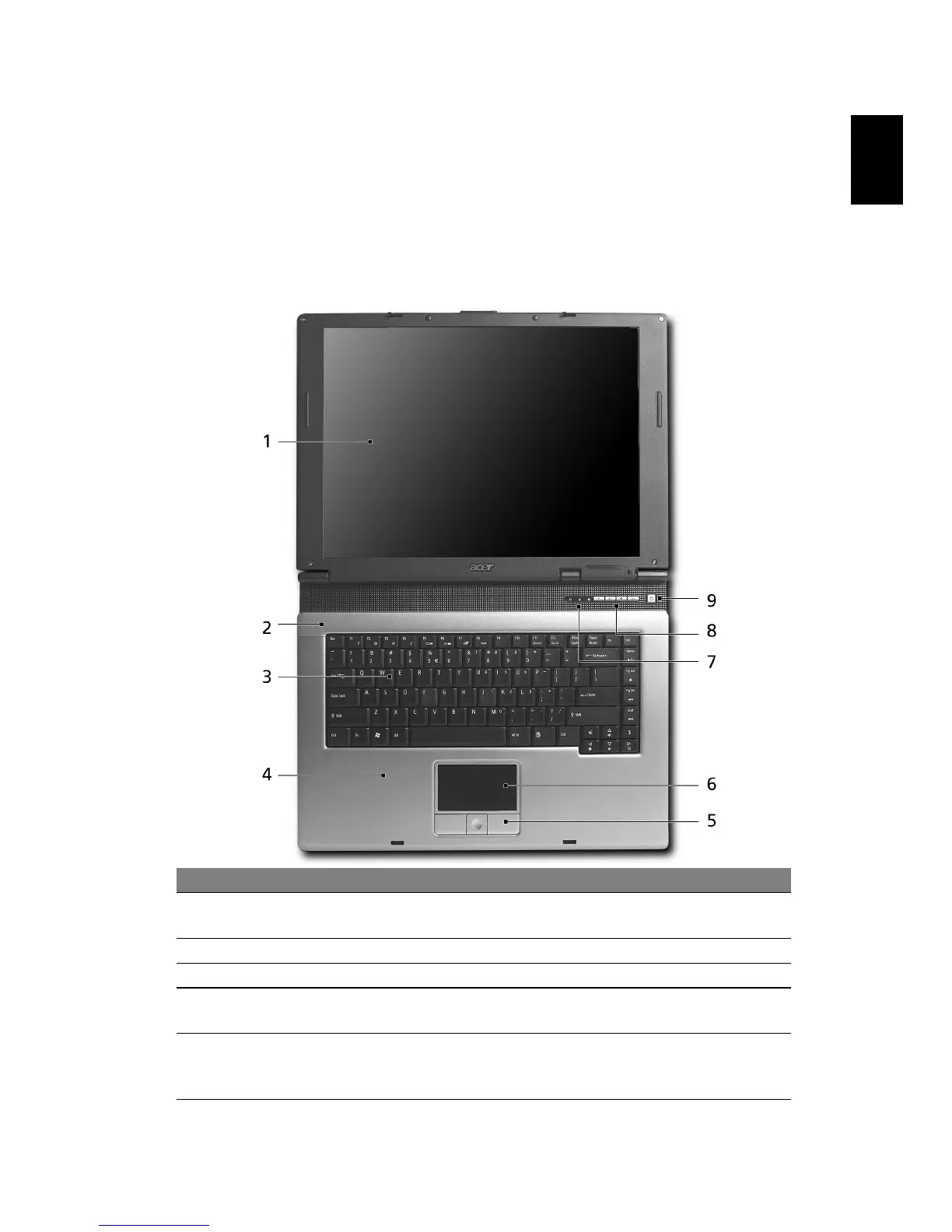
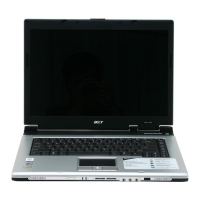
Front view
# Item Description
1 Display screen Also called Liquid-Crystal Display (LCD), displays
computer output.
2 Microphone Internal microphone for sound recording.
3 Keyboard For entering data into your computer.
4 Palmrest Comfortable support area for your hands when you use
the computer.
5 Click buttons
(Left, center
and right)
The left and right buttons function like the left and
right mouse buttons; the center button serves as a 4-
way scroll button.


 To Next Page