1-8 User’s Guide
1.5 Installing Memory
The system board has two 72-pin SIMM sockets that accept 1-MB, 2-
MB, 4-MB, 8-MB, or 16-MB memory modules with 80 ns (or less)
DRAM speed. The maximum system memory size is 36 MB.
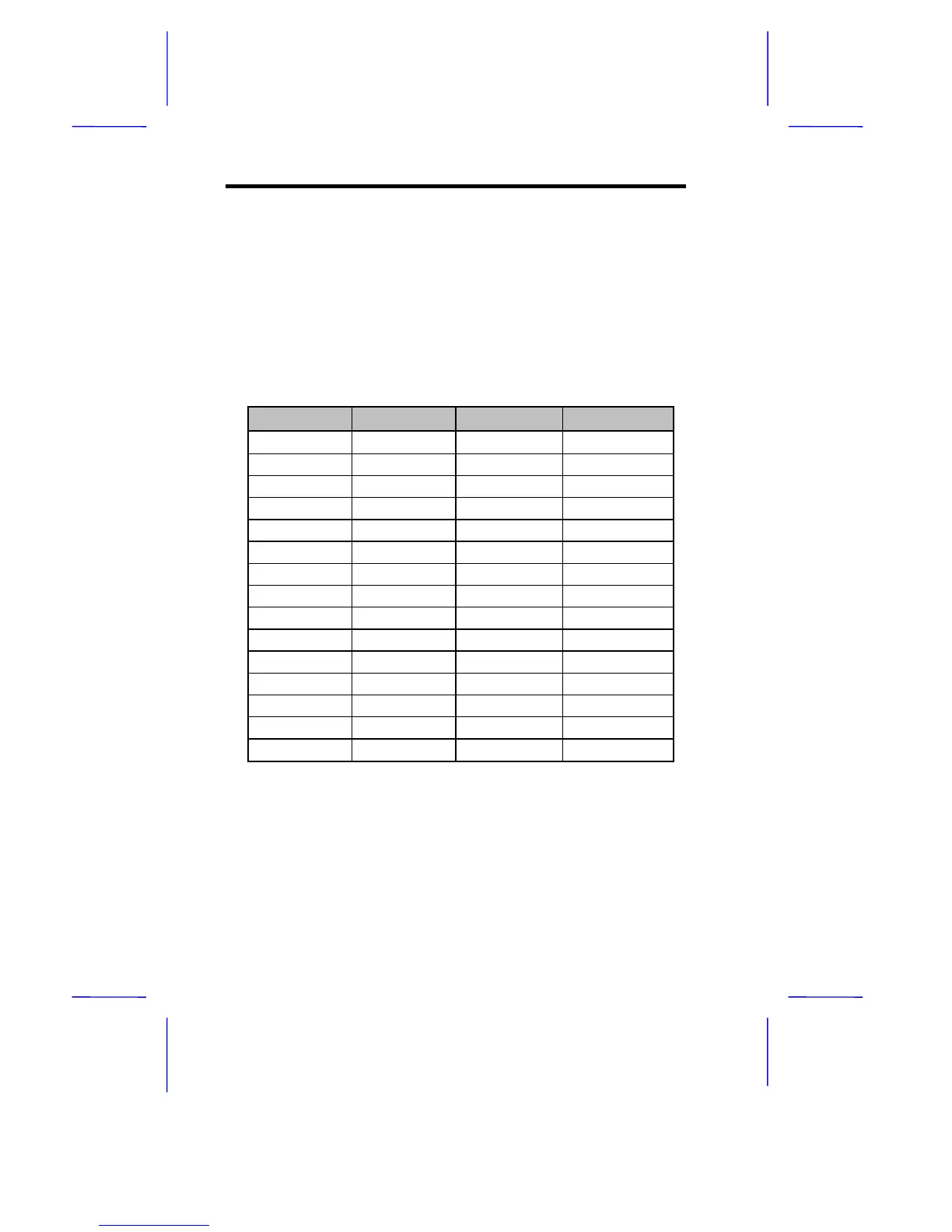
When installing additional memory, choose one of the SIMM
configurations listed in Table 1-5.
Table 1-5 Memory Configurations
Onboard Socket 1 Socket 2 Total
4 MB 4 MB
4 MB 1 MB 5 MB
4 MB 1 MB 1 MB 6 MB
4 MB 1 MB 2 MB 7 MB
4 MB 4 MB 8 MB
4 MB 4 MB 1 MB 9 MB
4 MB 4 MB 2 MB 10 MB
4 MB 4 MB 4 MB 12 MB
4 MB 4 MB 8 MB 16 MB
4 MB 16 MB 20 MB
4 MB 16 MB 1 MB 21 MB
4 MB 16 MB 2 MB 22 MB
4 MB 16 MB 4 MB 24 MB
4 MB 16 MB 8 MB 28 MB
4 MB 16 MB 16 MB 36 MB



 To Next Page