3
English
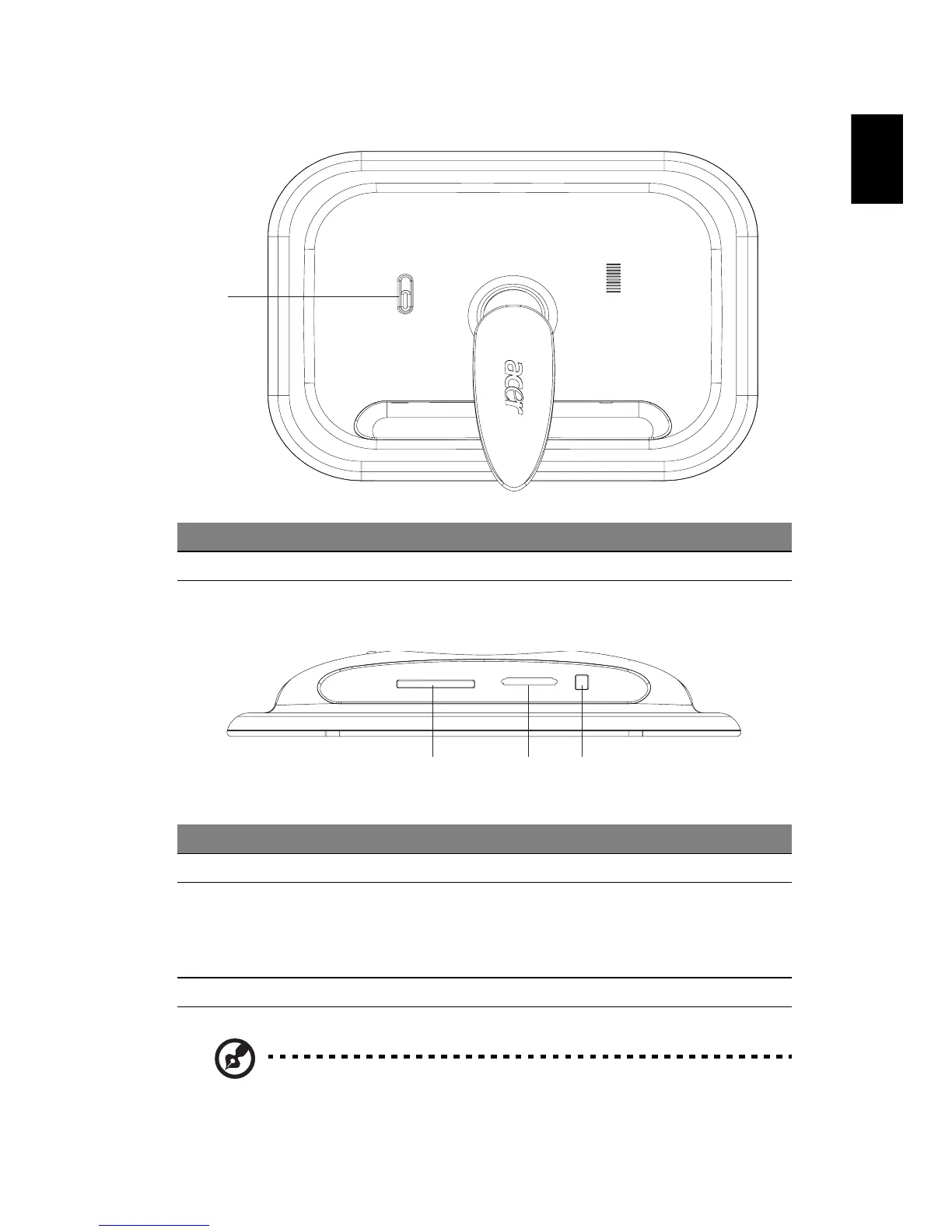
Back view
Bottom view
Note: Both the 5-in-1 and CF card slots support hot-swapping.
# Item Description
1 Power switch Turns the DPF on and off
# Item Description
1 CF card reader Accepts CF (CompactFlash) memory cards
2 5-in-1 card reader Accepts Secure Digital (SD), MultiMediaCard
(MMC), Memory Stick (MS), Memory Stick Pro (MS
PRO), and xD-Picture Card
Note: Only one card can be inserted at any time
3 Power jack Connects to an AC adapter
1
1
23



 To Next Page