19
English
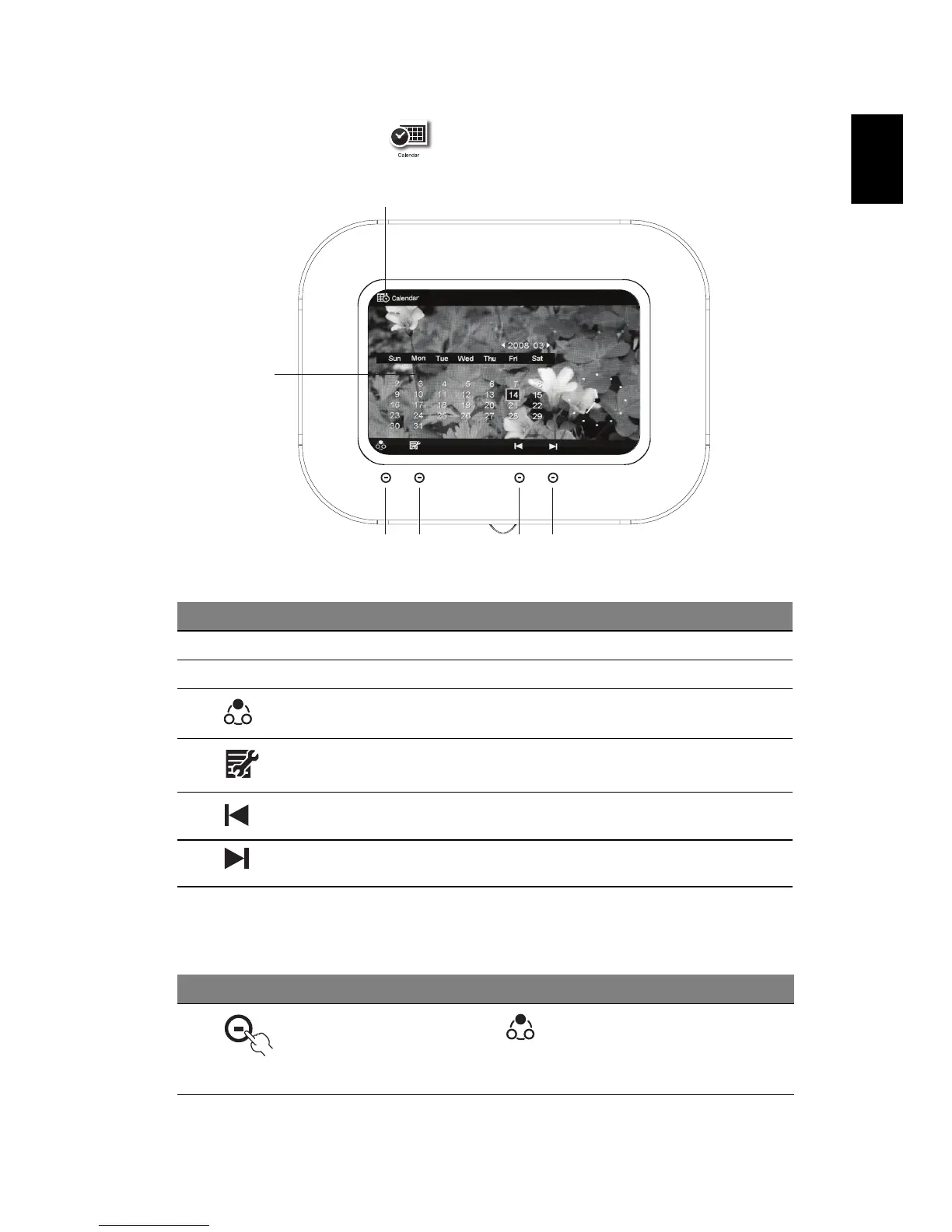
Calendar mode
Selecting a date
# Icon Item Description
1 Current mode Displays the current mode
2 Calendar Shows the current calendar
3 Mode selection Toggles between Photo and Calendar
modes
4 Menu Press to enter the Settings menu
5 Previous month Press to view the previous month
6 Next month Press to view the next month
# Icon Description
1
Press the button under to switch to Calendar mode.
The image selected in Photo mode will be the background
image
3
1
456
2



 To Next Page