20
English
Calendar mode options
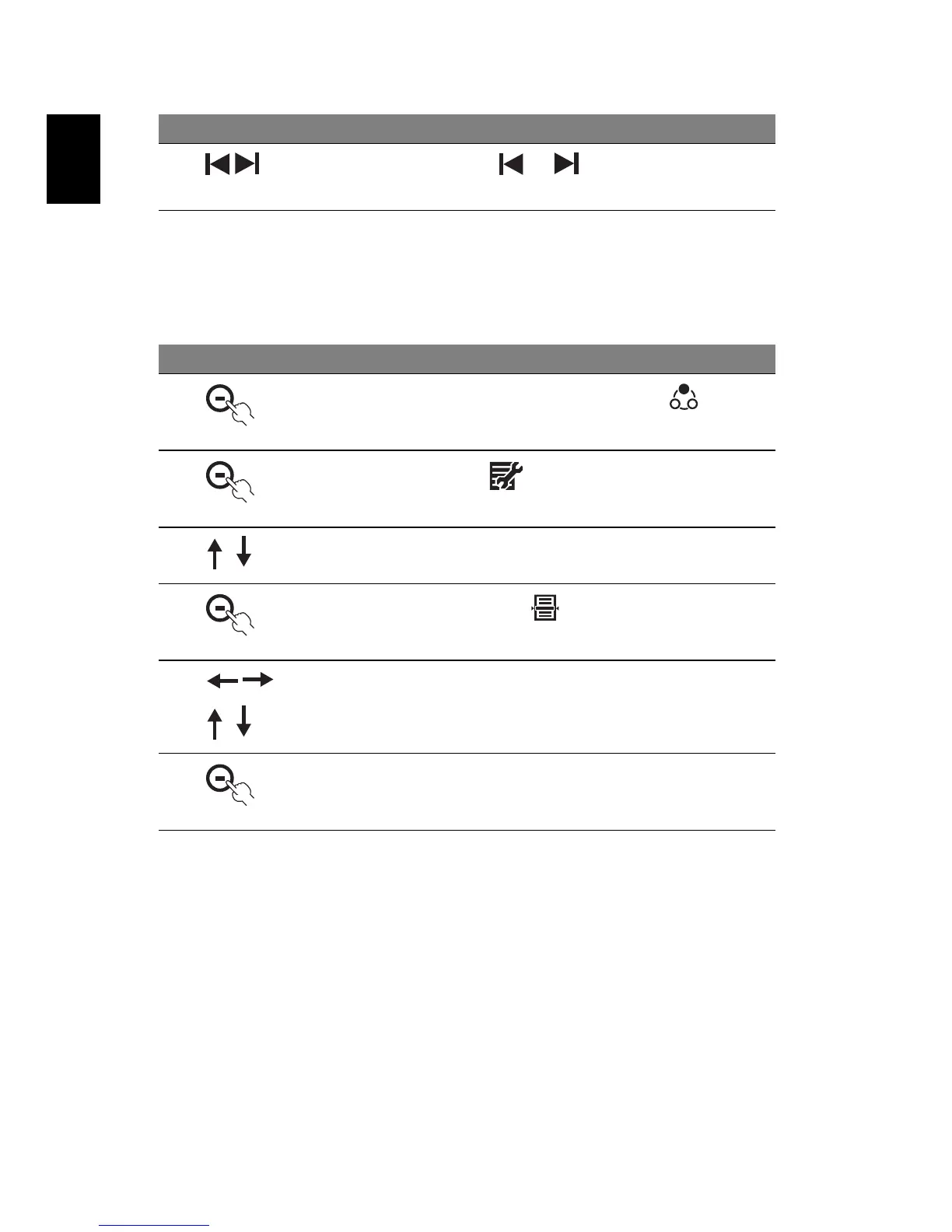
Set the date and time
2
Press the buttons under or to change the calendar
to the previous month or next month
# Icon Description
1
After you turn on the unit, press button under to
switch to the Calendar mode
2
Press the button under
3 Press the up/down button to select Date and Time
4
Then press the button under
5 Press the left/right buttons to move to different fields and
use up/down buttons to adjust the date and time
6
Press the button under
OK to confirm, or X to cancel
# Icon Description



 To Next Page