7
English
General controls
Mode selection
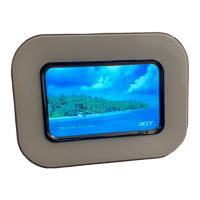
To return to the digital photo frame home page, press the touch-sensitive
button under the Mode Selection button.
Navigation controls
The navigation controls appear at the bottom of the screen.
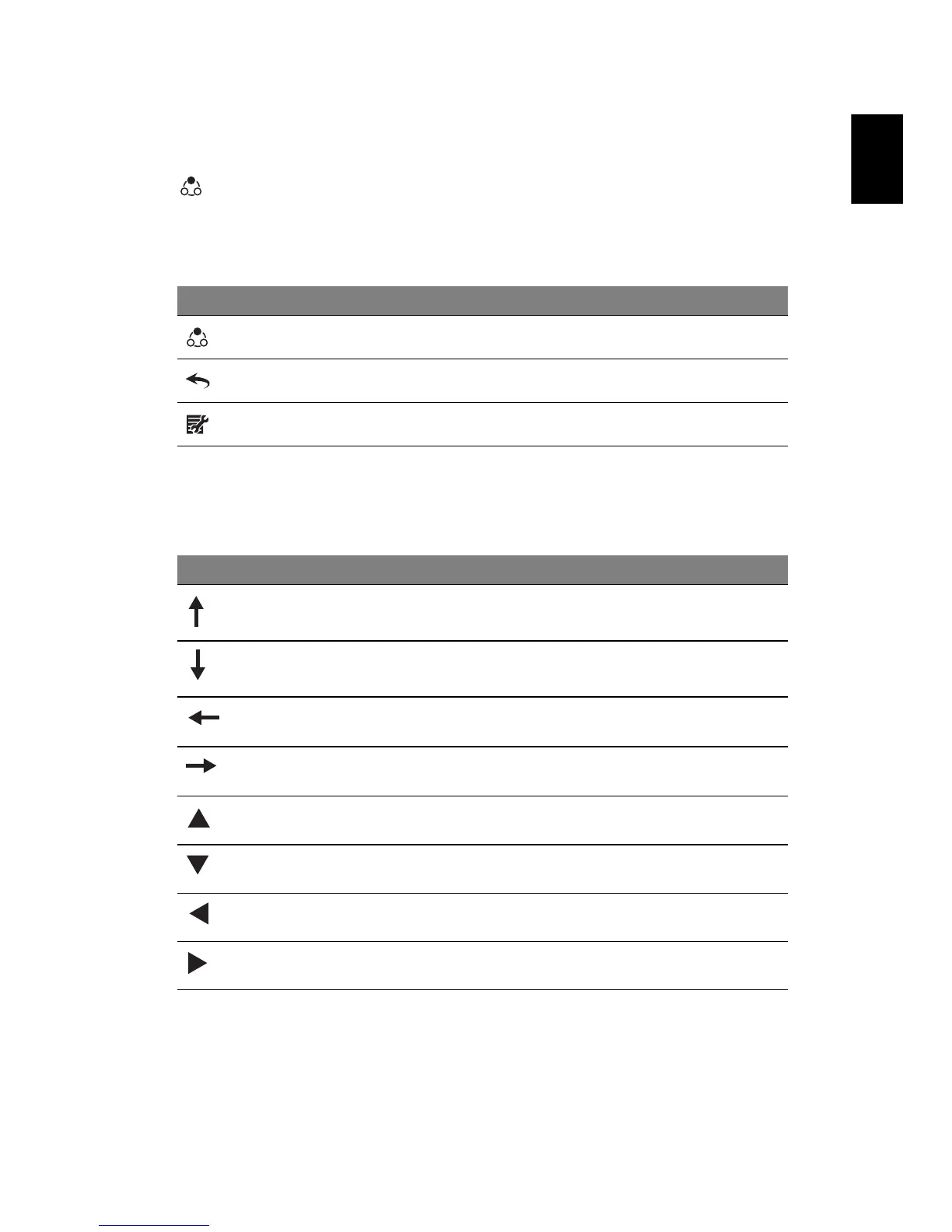
Icon Item Description
Mode selection Toggle between Photo and Calendar modes
Return Back to previous menu
Menu Press to enter setting menu
Icon Item Description
Cursor up Move the cursor to the file above the current file
Cursor down Move the cursor to the file below the current file
Cursor left Move the cursor to the file to the left of the
current file
Cursor right Move the cursor to the file to the right of the
current file
up Scroll up the selected file
down Scroll down the selected file
left Scroll to the left of the selected file
right Scroll to the right of the selected file



 To Next Page