16
English
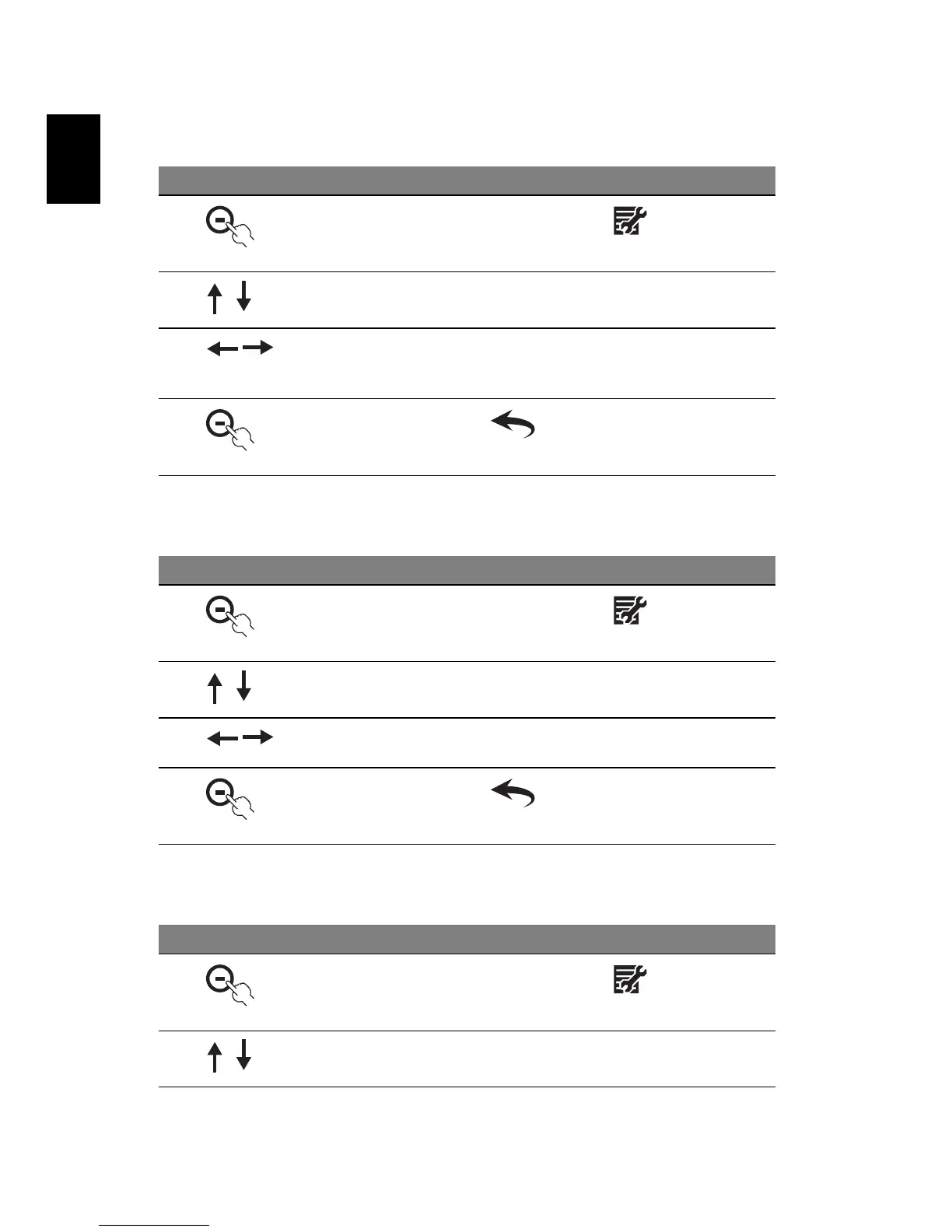
Rotate
Display clock
Slideshow setup
# Icon Description
1
In Photo mode, press the button under
2 Press the up/down button to select Rotate
3 Press the left/right button to rotate the selected image by
the selected angle. The rotation angle will be automatically
reset to zero after you move to another image
4
Press the button under to return to Photo mode
# Icon Description
1
In Photo mode, press the button under
2 Press the up/down button to select Display Clock
3 Press the left/right button to select whether to show the
clock while in Photo mode
4
Press the button under to return to Photo mode
# Icon Description
1
In Photo mode, press the button under
2 Press the up/down button to select Slideshow Setup



 To Next Page