17
English
System setup (also available in Calendar mode)
3
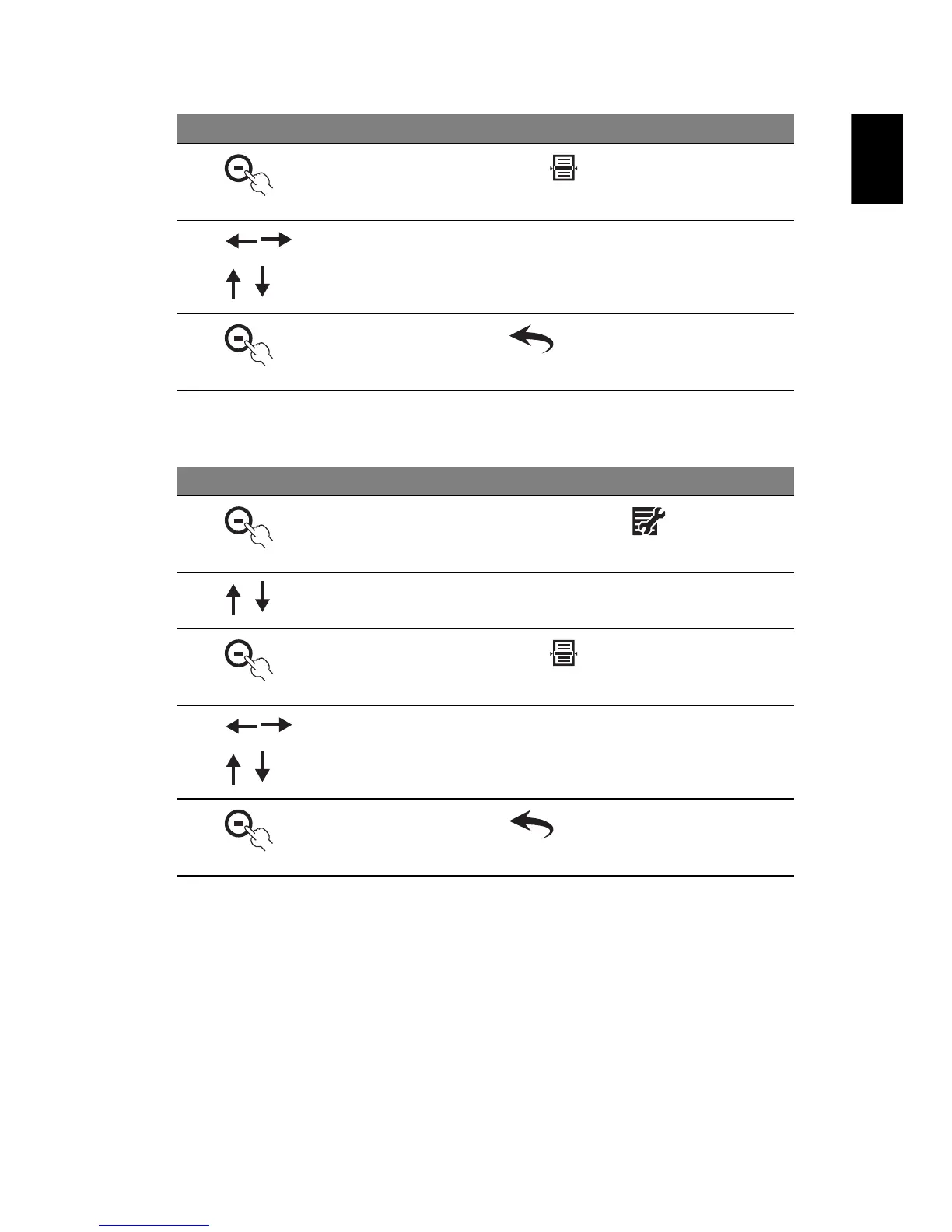
Then press the button under
4 Use the navigation controls to set the interval between
images, transition effect and the display sequence
5
Press the button under twice to return to the Photo
mode
# Icon Description
1
In Photo mode, press the button under
2 Press the up/down button to select System Setup
3
Then press the button under
4 Use the navigation controls to set the LCD brightness, OSD
language and whether to use the Auto Copy feature
whenever inserting a memory card. You can also perform a
System Reset or Format from this menu
5
Press the button under twice to return to the Photo
mode
# Icon Description



 To Next Page