18
English
Format
# Icon Description
1
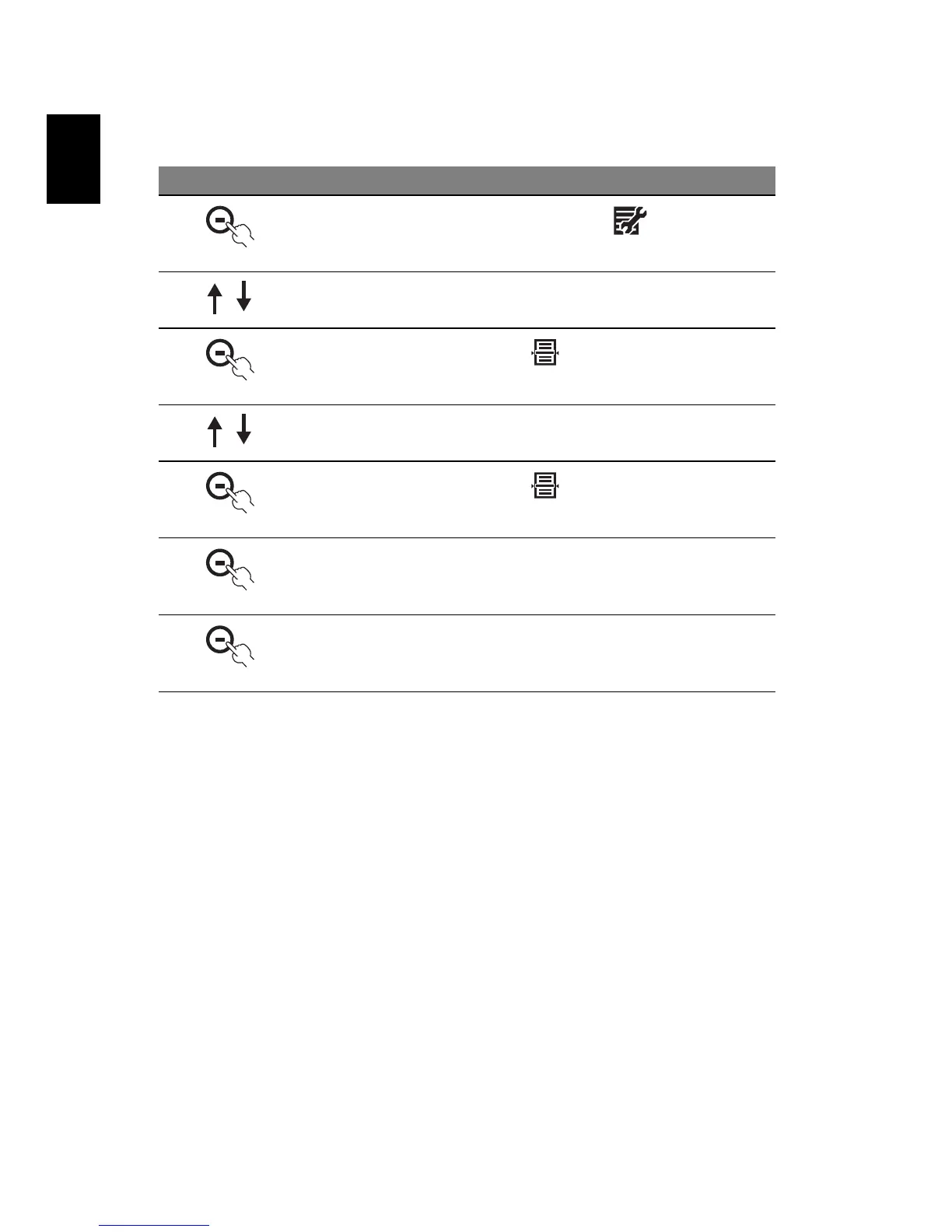
In Photo mode, press the button under
2 Press the up/down button to select System Setup
3
Then press the button under
4 Press the up/down buttons to select Format
5
Then press the button under
6 You can also format the memory. All the files stored on the
internal memory will be erased
7
Press the button under
OK to confirm, or X to cancel



 To Next Page