12
English
Selecting an image
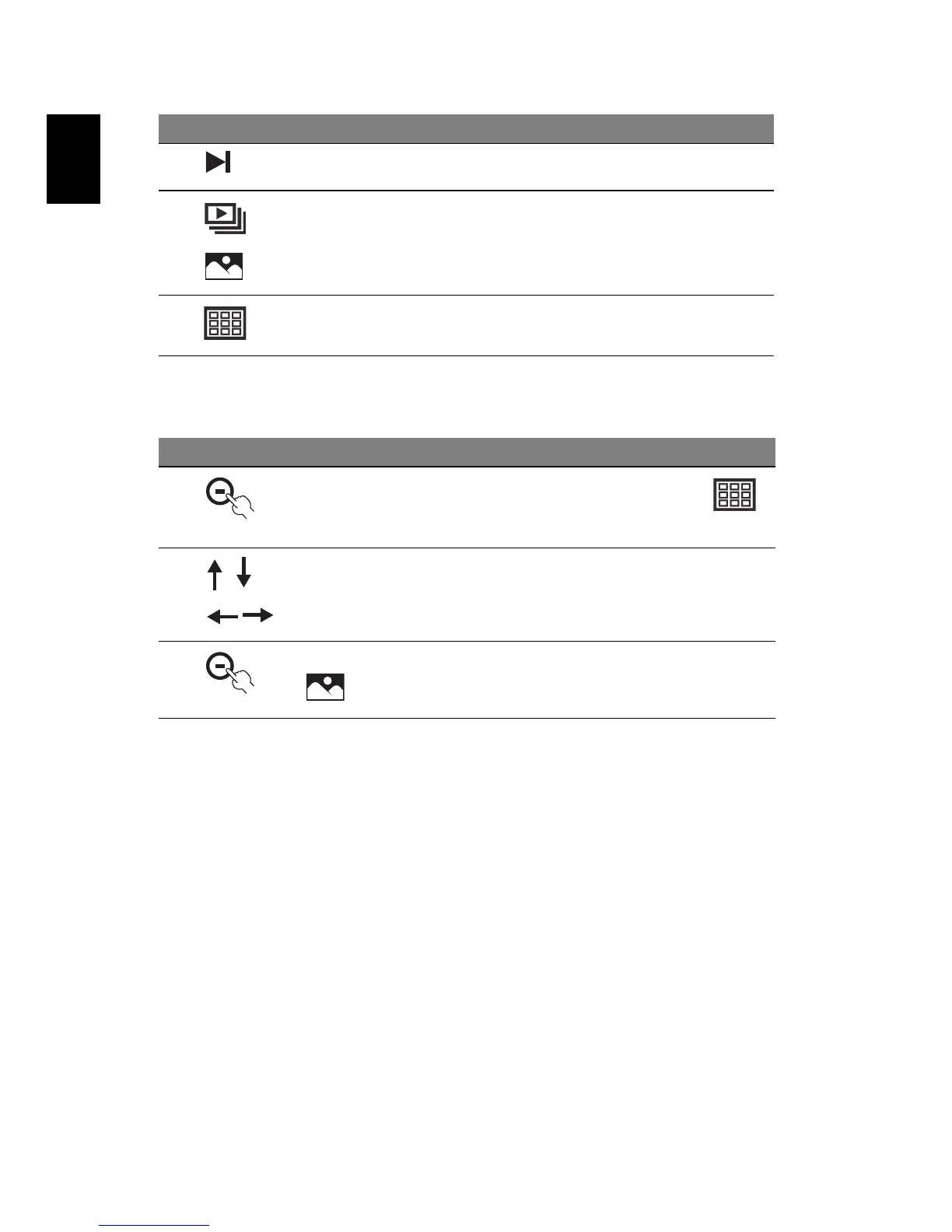
9 Next file Press to view the next file
10 Slideshow /
Single view
Press to toggle between slideshow and
single view modes
11 Thumbnail Press to change to thumbail mode
# Icon Description
1
After you turn on the frame, press the button under
(Thumbnail view)
2 Press the navigation controls to select the image you want
to view
3 To see the selected image full-screen, press the button under
(Single view)
# Icon Item Description



 To Next Page