CG48 User Guide English17
• Gamma: Adjust the luminance tone. Select from 1.8, 2.0, 2.2, 2.4 or 2.6.
Note:
Gamma value 2.2 is the standard value for Windows operating environment.
• Color Temp.: Select the screen image color temperature from:
- Warm: Increases the color temperature and makes the screen image appear
warmer with a red and yellow tint.
- Normal: Loads the monitor’s normal color settings.
- Cool: Decreases the color temperature and makes the screen image to
appear cooler with a blue tint.
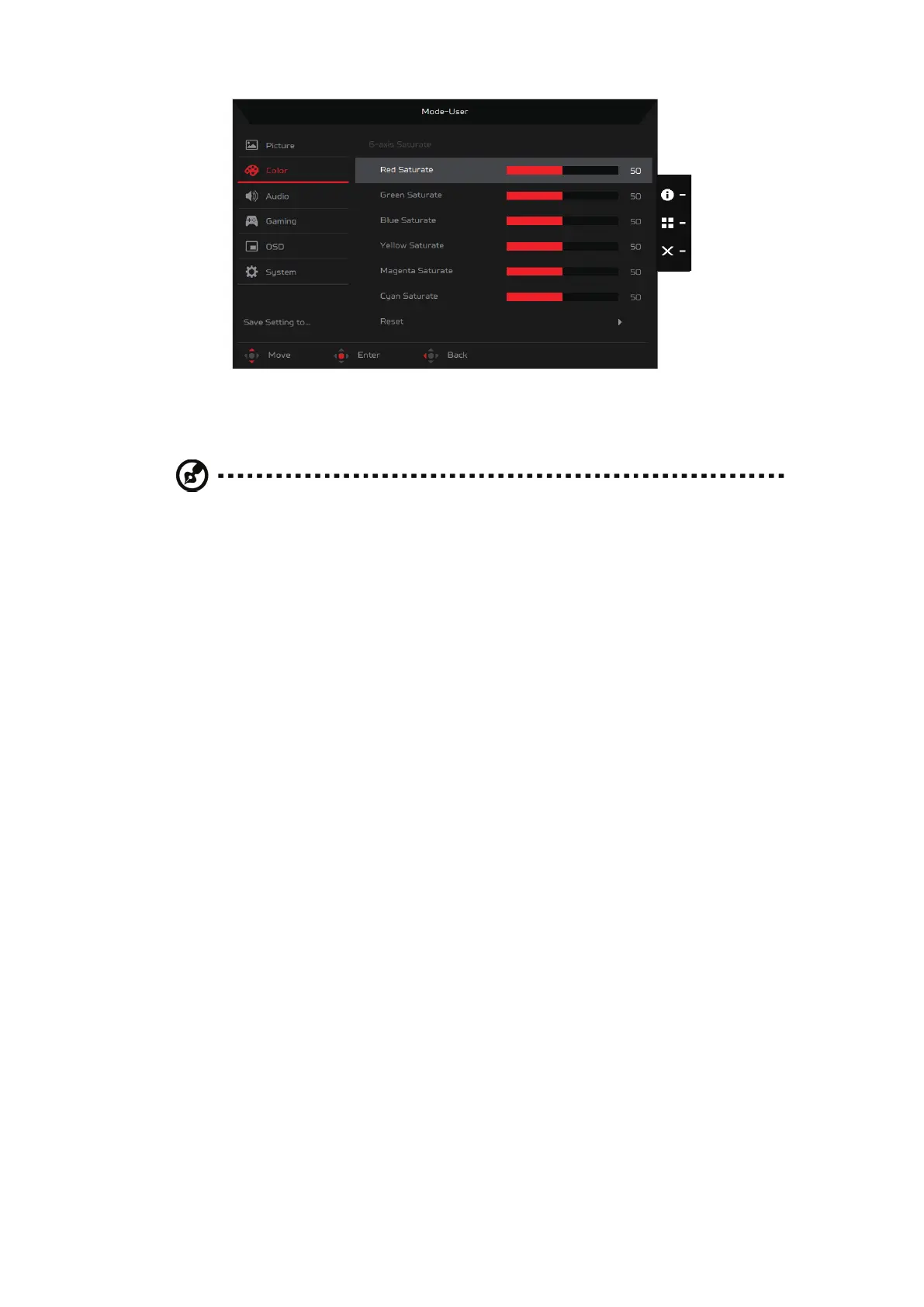
- User: Enables you to adjust the hue and saturation of each color (red (R),
green (G) and blue (B)) manually.


 To Next Page