20The home screen
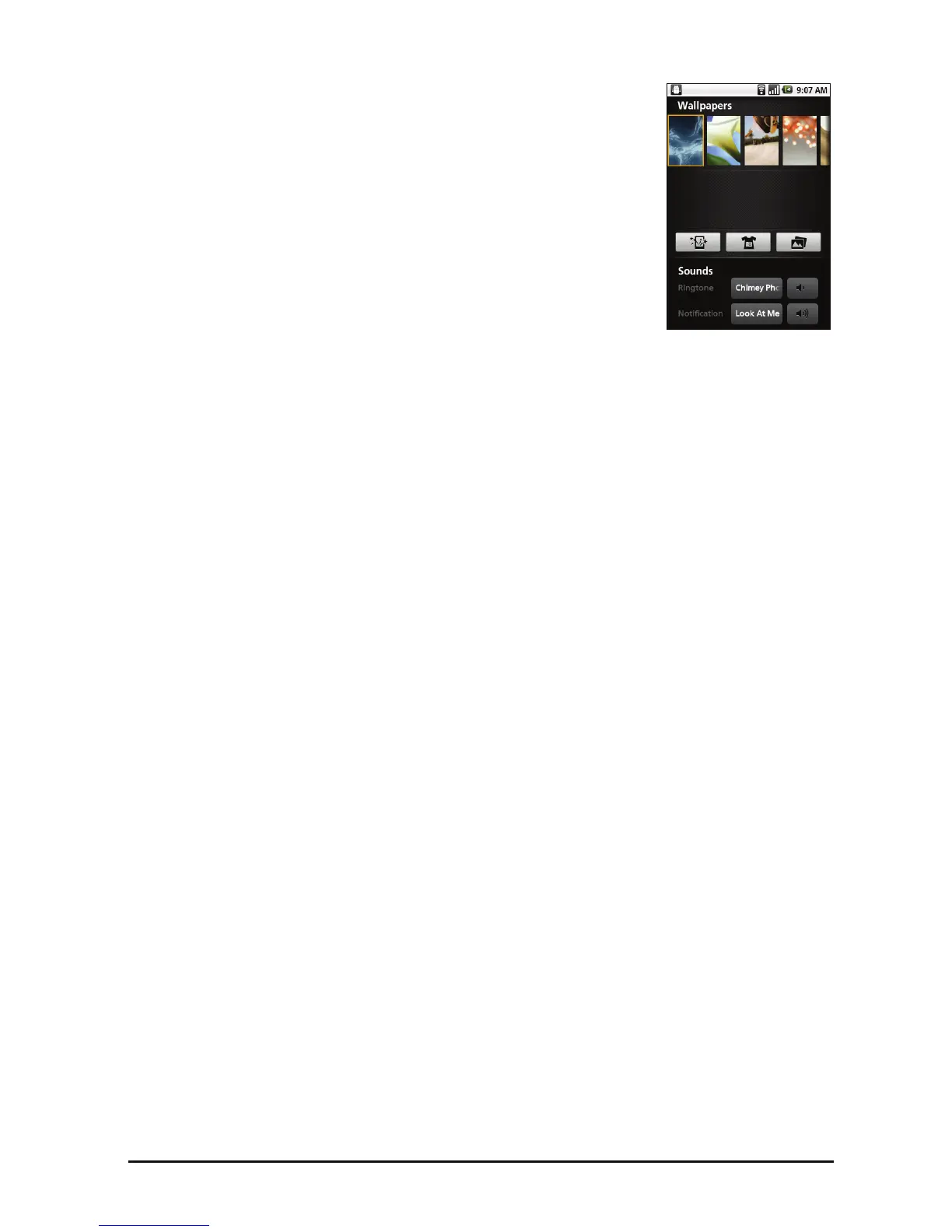
Changing the wallpaper
On the home screen, simply tap and hold the current
wallpaper. A screen showing alternative wallpapers and
sounds will be displayed.
Select a wallpaper from the first row, or open your own
pict
ures from the second row. Tap the image you wish to
use as your smartphone’s wallpaper. If you choose an
image that is not the correct size, you will be asked to crop
the image to the correct size. Tap and drag the box until
you have selected the part of the image you want.



 To Next Page