38Taking a photo
Taking a photo
1. Ensure you have adjusted the parameters described above.
2. Frame your subject and steady your smartphone.
3. Zoom in or out as needed.
4. Press the camera button down to take the photo.
Shooting a video
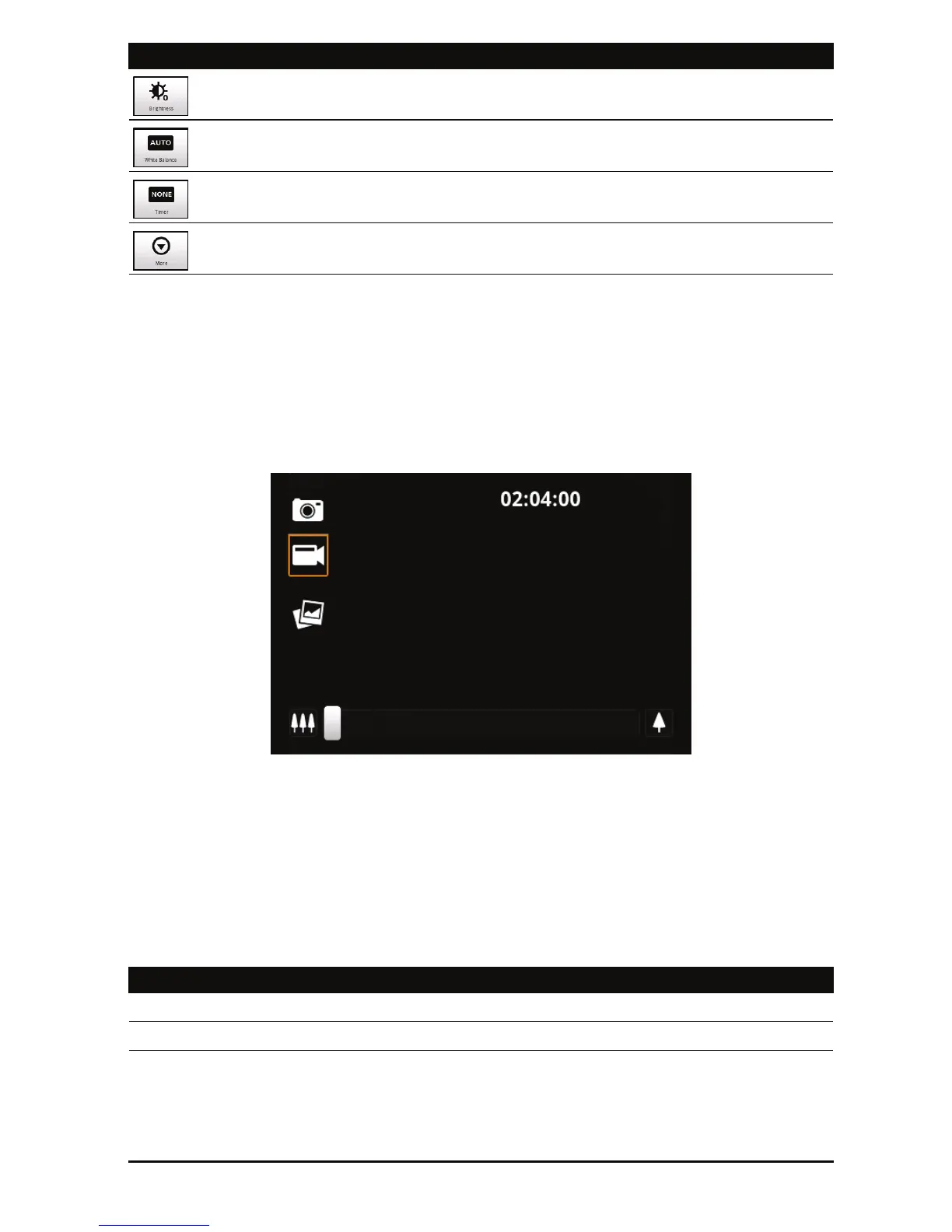
Turn on camcorder mode by tapping the mode switch to camcorder mode.
1. Ensure you have adjusted the parameters described above.
2. Frame your subject and steady your smartphone and zoom in or out as
needed.
3. Press the camera button down fully to begin recording.
4. Press the camera button down fully to stop
recording.
Supported formats
Set brightness, contrast, saturation, and sharpness.
Set white balance.
Set timer.
Access camera settings menu.
Type Formats
Image JPEG
Video MPEG-4, H.263
Icon Description



 To Next Page