2 Customizing my computer40
English
IEEE 1394 port
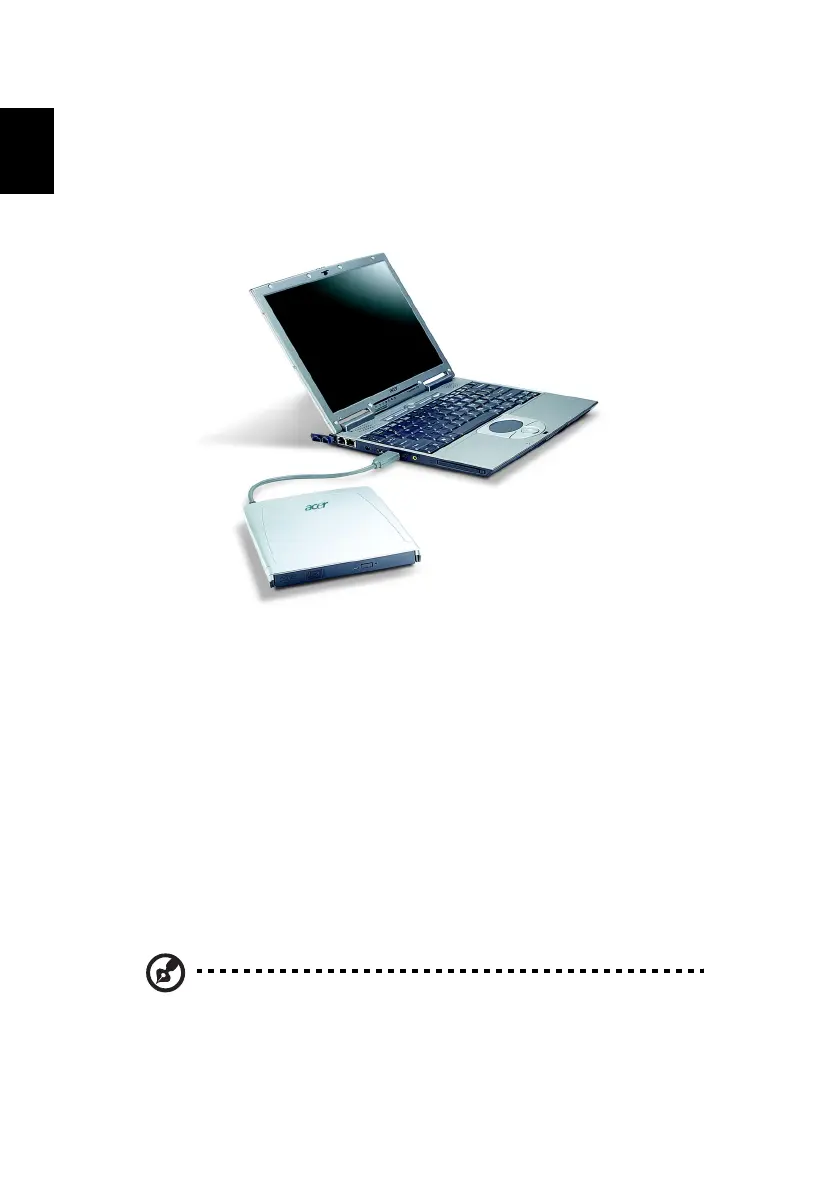
The computer's IEEE 1394 port allows you to connect to an IEEE 1394
supported devices like a CD-ROM, DVD-ROM, DVD/CD-RW Combo or
DVD-Dual drive.
PC Card slot
The type II CardBus PC Card slot found on the left side of the computer
accepts credit-card-sized cards that enhance the usability and
expandability of the computer. These cards should have a PC Card logo
on them.
PC Cards (formerly PCMCIA) are add-on cards for portable computers,
giving you expansion possibilities long afforded by desktop PCs.
Popular PC cards include flash, fax/data modem, LAN, wireless LAN and
SCSI cards. CardBus improves on the 16-bit PC card technology by
expanding the bandwidth to 32 bits.
Note: Refer to your card’s manual for details on how to install and
use the card and its functions.




 To Next Page