Using the keyboard - 15
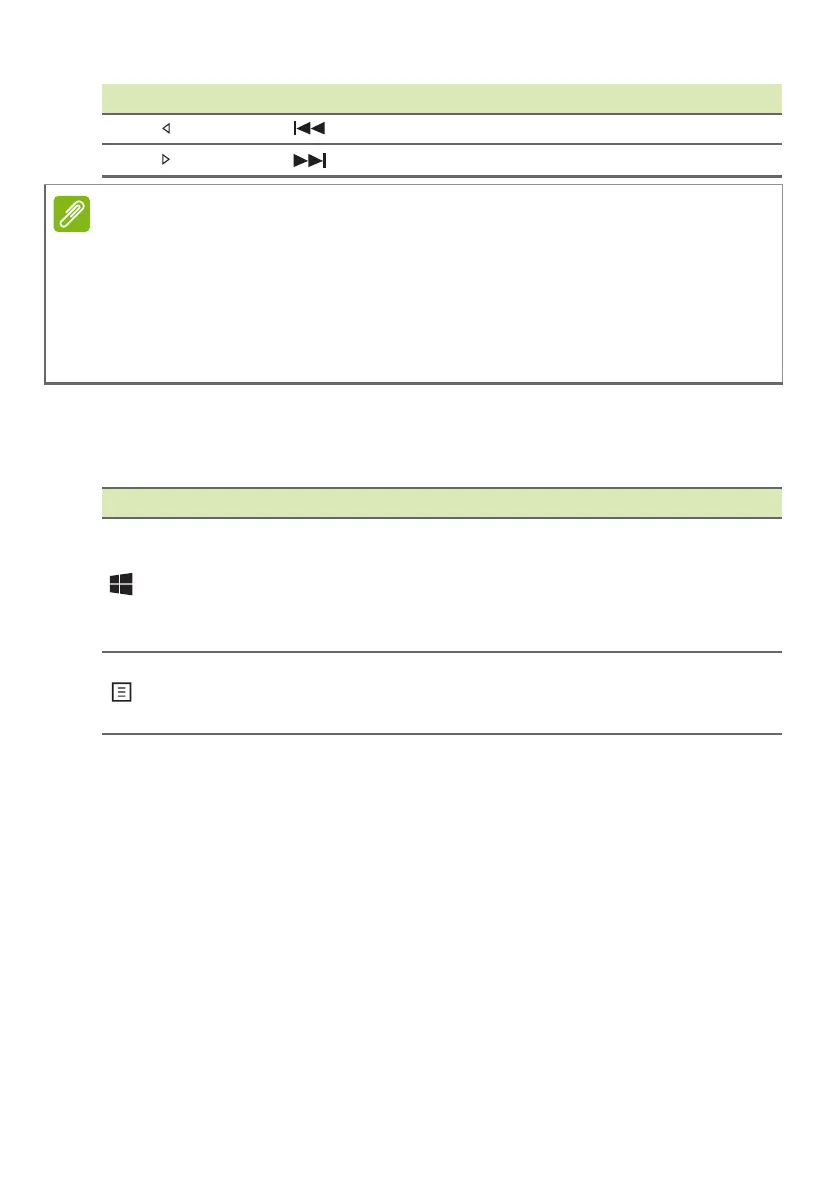
Windows keys
The keyboard has two keys that perform Windows-specific functions.
Fn + Previous
Fn + Next
Hotkey Function Description
It is not necessary to press the Fn key to use the F1 to F12 function keys
when starting your computer or when using the BIOS.
To swap the hotkey and special function of the F1 to F12 keys, change the
function key setting in the BIOS (to open the BIOS press F2 when starting
your computer, then select the Main menu and change Function key
behavior to Function keys).
Key Description
Windows key
Pressed alone it returns to the Start screen
or to return to the last open app.
It can also be used with other keys for
special functions, please check Windows
Help.
Application key
This key has the same effect as clicking
the right mouse button; it opens the
application's context menu.













 To Next Page