EN-13
Adjusting the volume
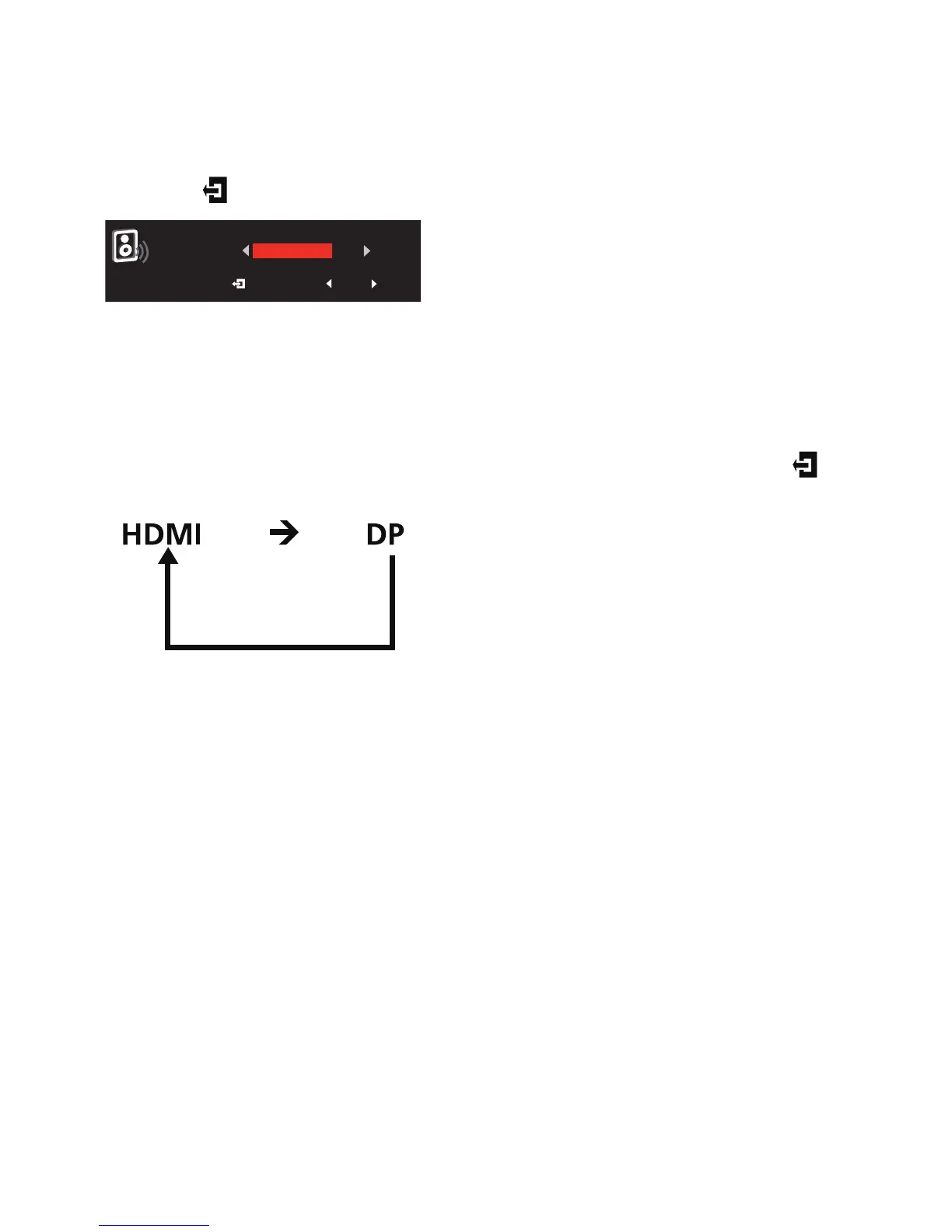
Open the Volume control and set the Volume using the arrows. When you are
done, use to go back one level.
Note: Adjustment of the volume control as well as the equalizer to other
settings than the center position may increase the ear/headphone output
voltage and therefore the sound pressure level.
Selecting the input
Open the input control and select HDMI or DP. When you are done, use to
go back one level.


 To Next Page