6 SYNCHRONY EQUIPMENT USER MANUAL
© COPYRIGHT 2015-2021, ACCELERATED CARE PLUS CORP., ALL RIGHTS RESERVED
CONFIDENTIAL AND PROPRIETARY
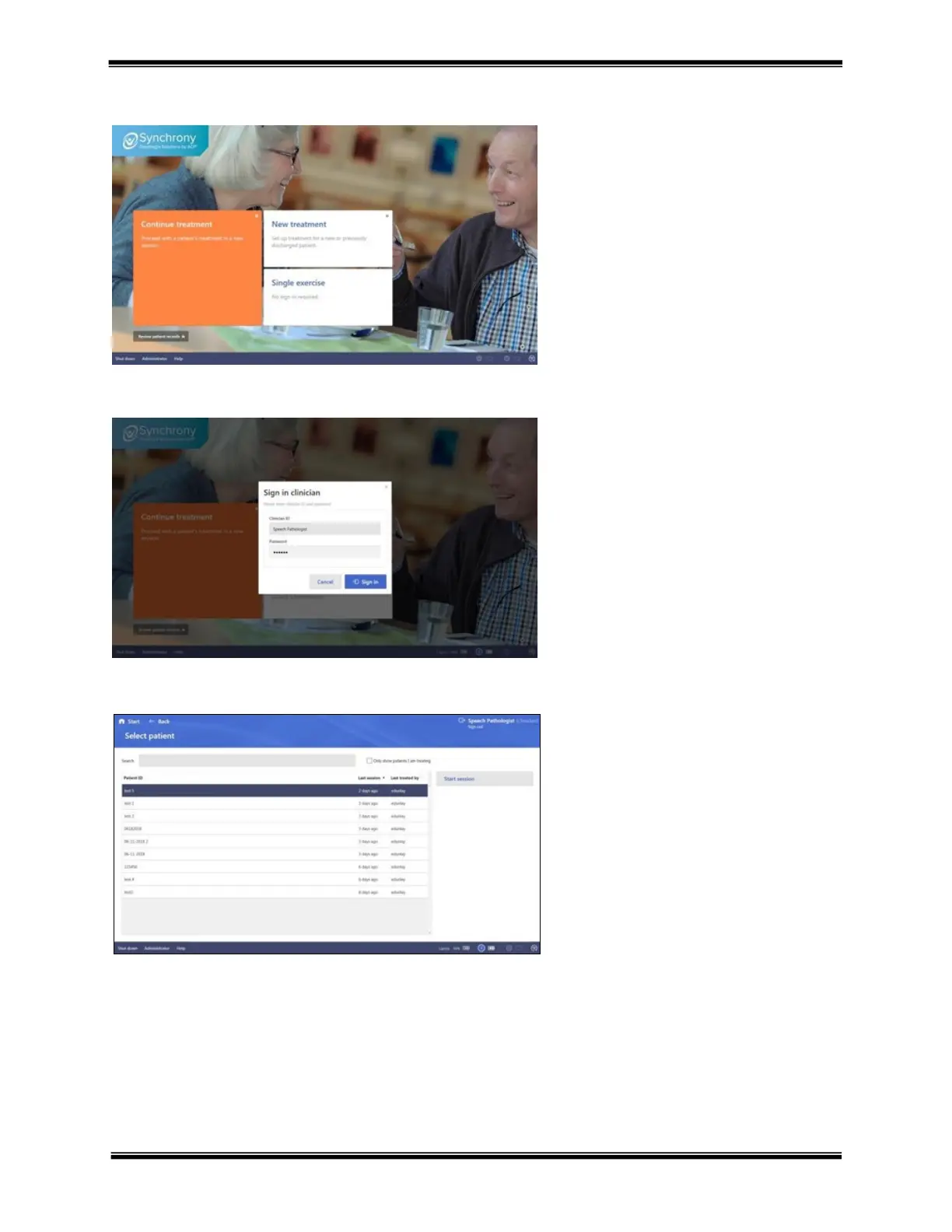
Continue treatment
Enter assigned Clinician ID and
Password. When signed in, the current
database of patients is presented
Note – clinician ID and Password are
Hover the mouse over the Continue
treatment section and click to continue
If not signed in, the therapist will be
prompted to enter their Clinician ID and
Select patient – select the patient to continue
treatment and either double click their Patient
ID or click Start session to continue
Note – the Clinician ID who is signed in will
be displayed in the top right of the screen



 To Next Page