10
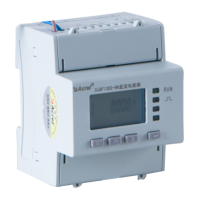
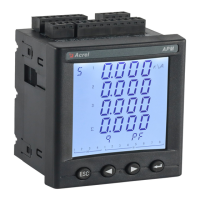
7.2 Panel description
Key description
The four keys are, the SET key, the left key, the right key, and the enter key from left to right.
Decrease parameter or switch navigation interface
Increase parameter or switch navigation interface
Modify and confirm the parameters or enter the next menu
Extended module indicator light description
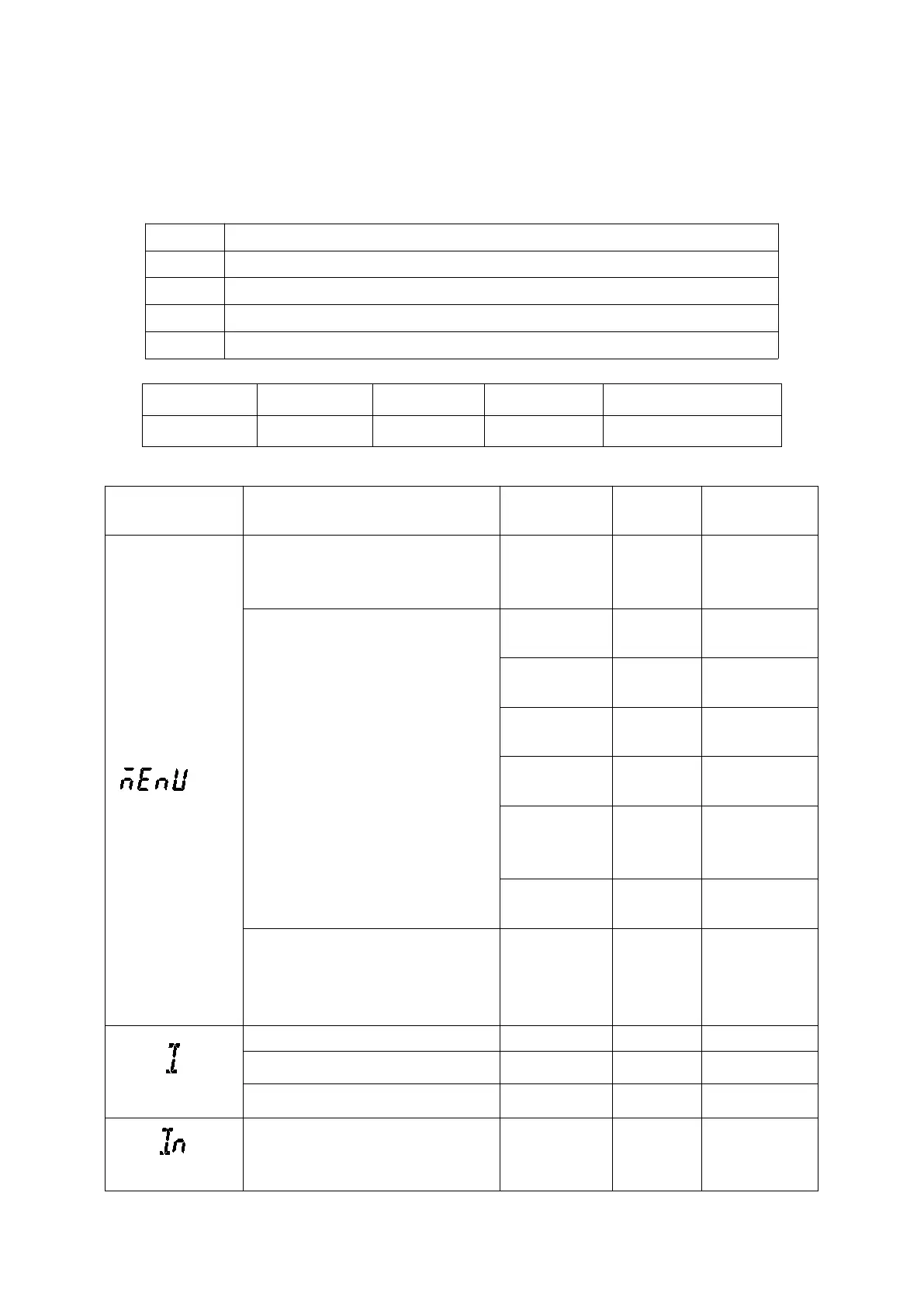
7.3 Display overview
See the system
settings for
details
See data reset for
details
Version,
Software
number, Module
version
I_Unablance (Unbalance of current)
Voltage current phase Angle


 To Next Page
 Loading...