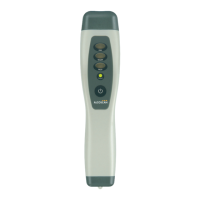
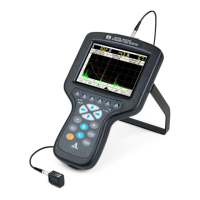
Ultrasonic flaw detector А1212 MASTER
Operation Manual
37
ACOUSTIC
CONTROL
SYSTEMS
2
Parameter name Value Description
Delete all A Scans,
pcs.
ХХХ
Displays quantity of the saved snapshots.
Starts memory cleaning procedure of the instrument -
WARNING: THE MEMORY WILL BE TOTALLY CLEANED – ALL THE SETTINGS
AND DATA WILL BE DELETED!
Language Russian / English Select the interface language
Search for the
Bluetooth devices
–
Start searching and connection of the Bluetooth devices -
Table 16
Table 17
▼
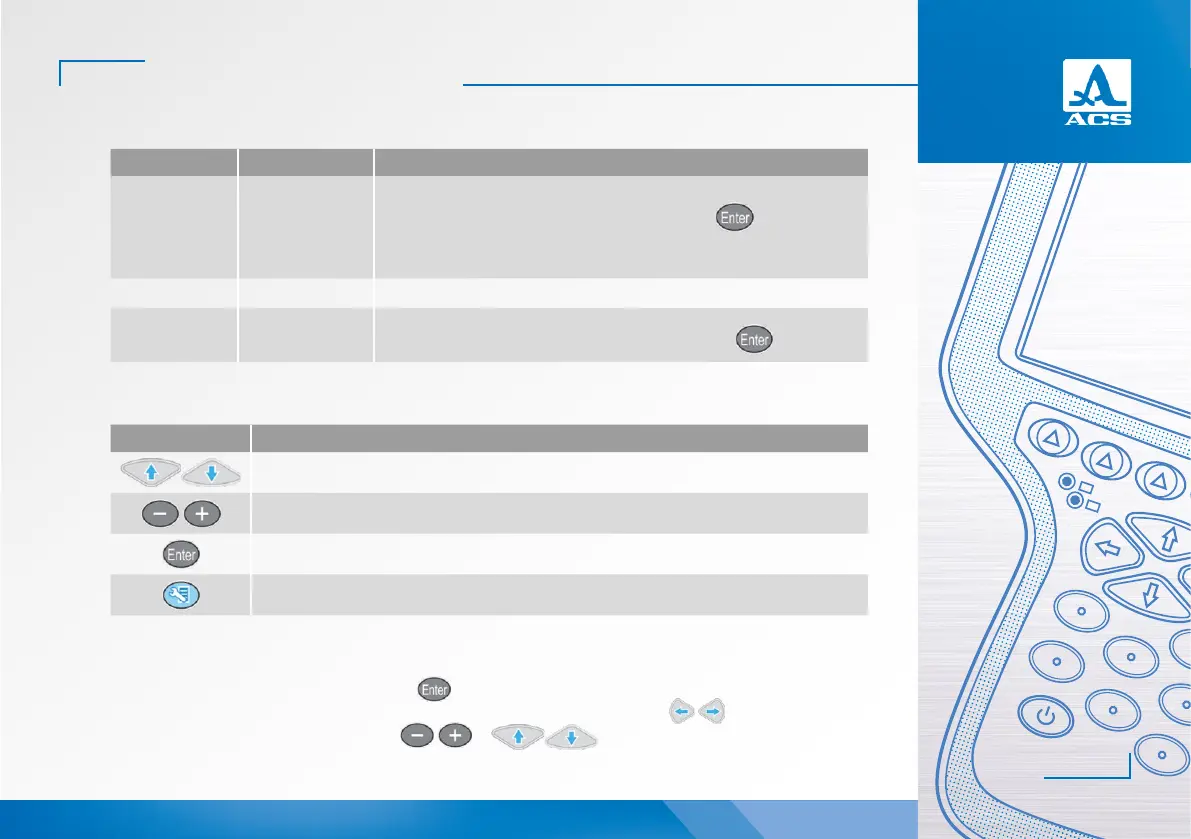
The functions of the keys applicable for configuration of the system settings are presented in Table 17.
Key Description
Line-by-line scrolling to select the parameter to be edited
Change the parameter value
Exits the DGS settings mode
Opens a confirmation window of new DGS settings
Editing the “Time” or “Date” parameters
Do the following to edit the “Time” or “Date” parameters:
- select the required parameter and press the
key ;
- in the opened editing window (Figure 33) select the value to be edited by means of the keys;
- edit the parameter value by means of the or keys;


 To Next Page