Ultrasonic flaw detector А1212 MASTER
Operation Manual
39
ACOUSTIC
CONTROL
SYSTEMS
2
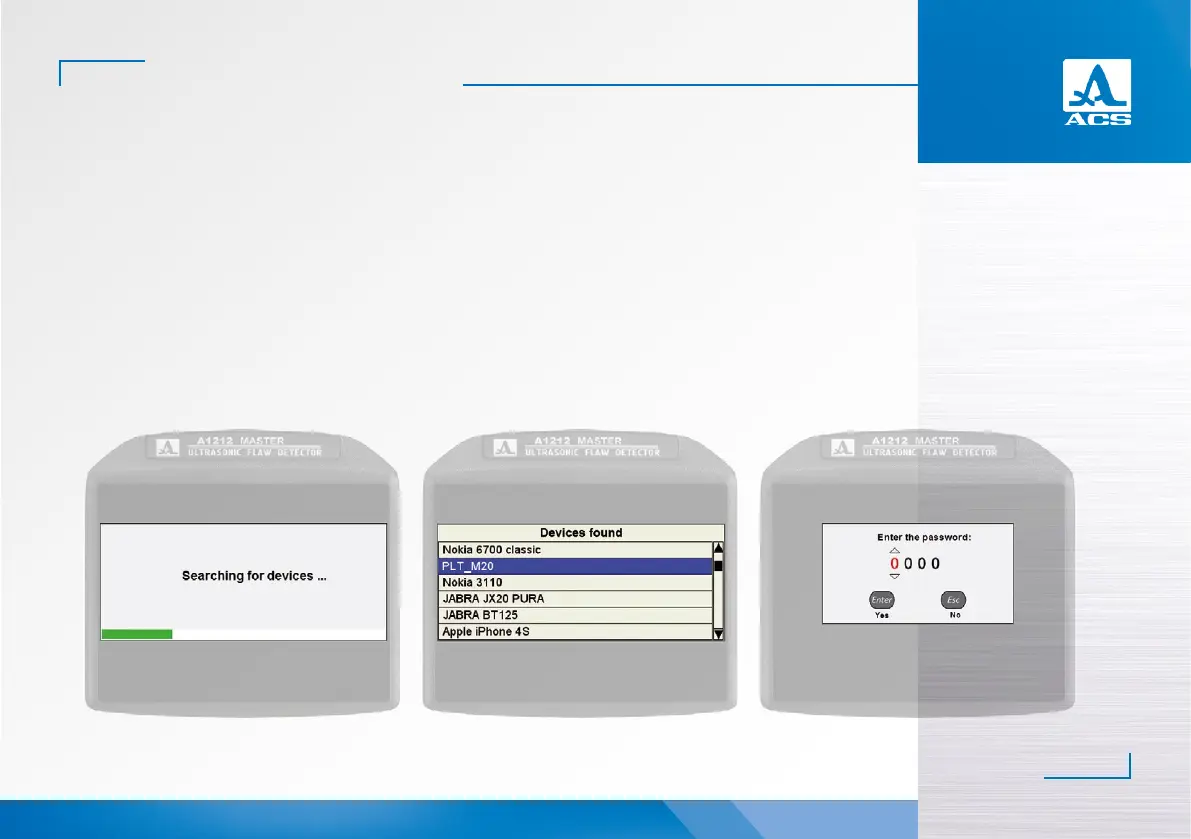
Figure 35 Figure 36 Figure 37
- an information window will be opened (Figure 35).
- a window listing found Bluetooth devices will be opened when the searching is completed (Figure 36).
If no Bluetooth devices are detected, then information message NO DEVICES FOUND will appear on the screen. In such a
case, as well as if the required Bluetooth headset misses in the list of the found devices, make sure that the headset is connect-
ed and is in the interfacing mode. Aer that restart searching for devices.
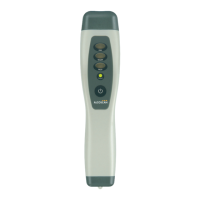
- select the line the headset being connected (e.g., PLT_M20) and press .
- a window for digital password entry will be opened (Figure 37). Default password is four “zero” characters (0000).


 To Next Page