11
WR3 User Guide
Menu Options
WR3 has a number of customizable options, such as volume control,
language selection, and wake-up/sleep times. These options are
found in the main menu, which can be accessed by pressing and
holding the left button.
Wake-Up Mode
The handset can “wake up” up to three times per day. This helps to
ensure that the handset is warmed up and ready before you enter the
vehicle.
Note! Before using this option, make sure that the vehicle battery has sufficient
charge. The Wake-Up option is automatically disabled if the handset has not
been used for three consecutive days.
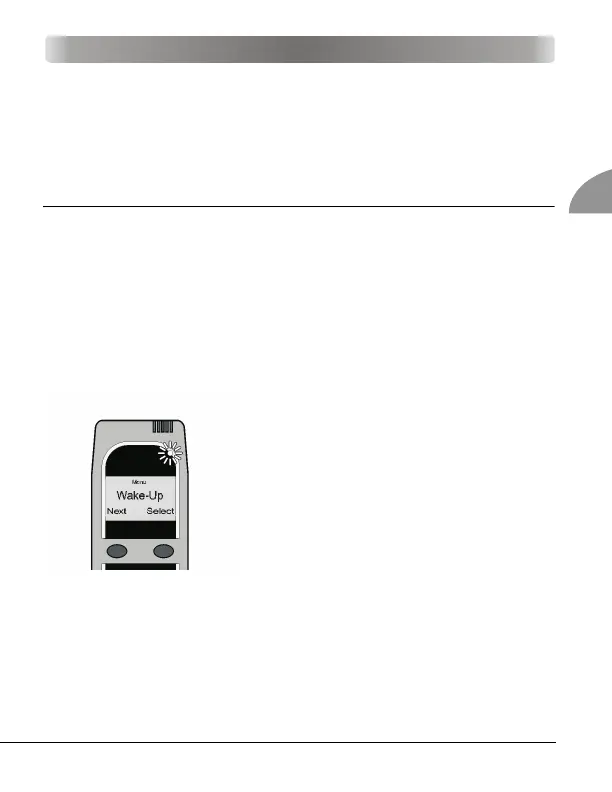
1. Press and hold the left button to access
the main menu. Press the left button to
scroll to Wake-Up. Select with the right
button.
2. Select a time slot by placing the cur-
sor underneath an on/off entry. Set
the wake-up time for that slot. The left
button moves the cursor, and the
right button changes the value.
3. Press and hold the right button to
save your selection and exit this
mode.
MENU OPTIONS



 To Next Page