14
WR3 User Guide
Language Mode
WR3 is available in multiple languages. The
selections are programmed at the factory.
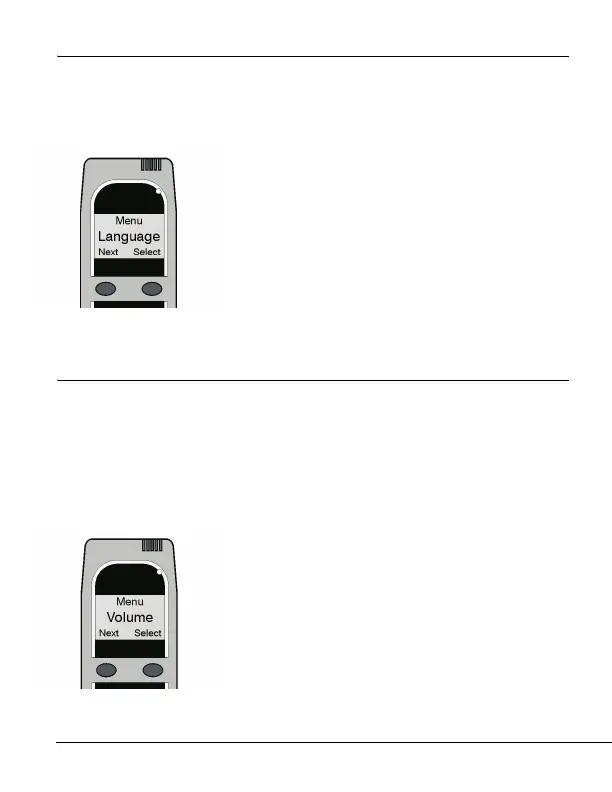
1. Press and hold the left button to access the
main menu. Press the left button to scroll to
Language. Select with the right button.
2. Use the left button to scroll through the
languages. Stop at your selection.
3. Press and hold the right button to save
your selection and exit this mode.
Volume Mode
The handset produces audio tones. You can set their volume from the
main menu.
Note! This applies to the handset only. The volume of the Relay
Module cannot be set.
1. Press and hold the left button to access the
main menu. Press the left button to scroll to
Volume. Select with the right button.
2. Use the left and right buttons to adjust
the volume up and down.
3. Press and hold the right button to save
the setting and exit the menu.



 To Next Page