12
WR3 User Guide
Sleep Mode
The handset can be put into sleep mode manually or automatically
when the ignition is off. This conserves the battery.
To put the handset into sleep mode manually, press and hold both
buttons.
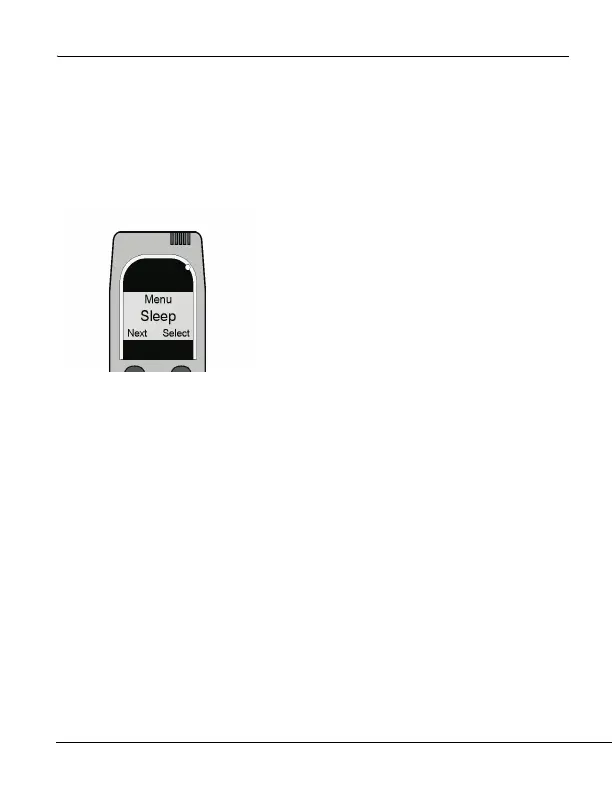
1. Press and hold the left button to access
the main menu. Press the left button to
scroll to Sleep. Select with the right
button.
2. The Sleep menu offers four pre-pro-
grammed times: 5, 30, 60 and 90
minutes. Press the left button to scroll
through the times, and press the right
button to make your selection.
3. Press and hold the right button to
save your time selection and exit this
mode.



 To Next Page