13
WR3 User Guide
Menu Options
Time Mode
You can adjust the handset time for different time
zones, daylight savings, etc.
This adjustment is primarily for the Wake-Up
feature. It does not change the times in the Service
Date list.
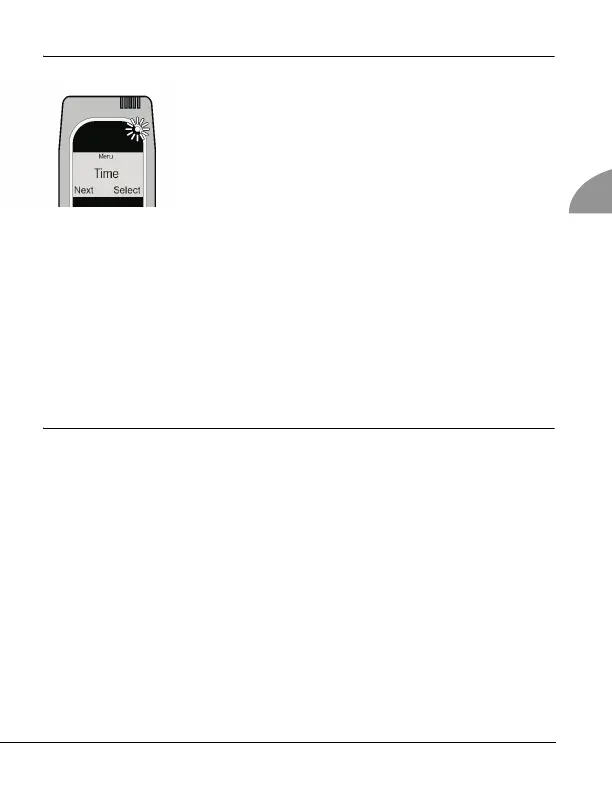
1. Press and hold the left button to access the main menu. Press the
left button to scroll to Time. Select with the right button.
2. The current time displays with the option to increment the time up
or down by 0.5 to 3.0 hours. Press the right button to increase the
time [+] and the left button to decrease it [–].
3. Press and hold the right button to save your time setting and exit
this mode.
Date Mode
To view service dates and other important dates and times, press and
hold the left button to access the main menu. Select the first item,
Service Date, with the right button. The current date and time display.
You can press the left button to scroll through all of the dates in the list:
To exit at any time, press and hold the right button.
Current Date
Service Date
Lockout Date
Calibration Date
Calibration Expiry Date



 To Next Page