Installation Notes
• Always remember to factory default the controller before you start programming.
• Always remember to place the supplied Varistor across the terminals of the lock terminals to protect
the relay contacts.
• Never use the onboard relay to switch AC mains voltage. An external relay isolated electrically from
the ACT 10 should be used for this purpose.
• Don’t forget to change the programming code to something known only to yourself.
Important: As with any Access Control system, always ensure there is an alternate means
of escape in the event of the unit failing to operate due to power loss or in the event of fire.
ACT 10 Digital Keypad Operating & Installation Instructions
2
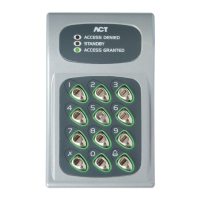
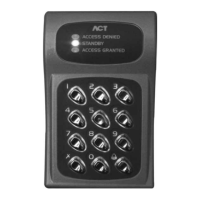
ACT 10 Digital Keypad ACT 10
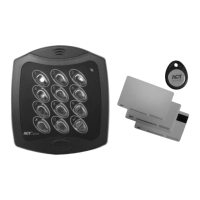
ACT 10 Flush Kit ACT 10 FK
ACT 10 Weather Shield ACT 10 WS
Ordering Information
Product Specification
Number of Users 10 PIN Codes
Supply Voltage 12 – 24 Volts AC or DC
Current Consumption 40mA (nominal), 120mA (maximum)
Operating Temperature -10 to +50 degrees C
Door Open Time 0 - 255 seconds
Relay Contact Rating 5A / 250Vac
Controller Size
(H x W x D): 138 x 87 x 37 (mm)
Controller Weight 700 grams
Installation Indoor or Outdoor (IP54)
Mounting Surface or Flush
Output Rating 100mA


 To Next Page