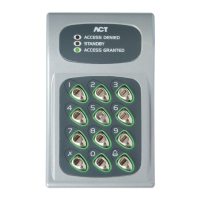
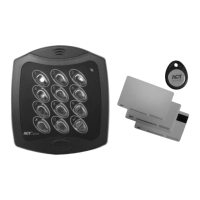
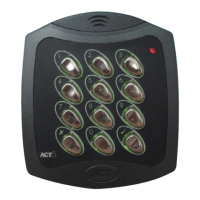
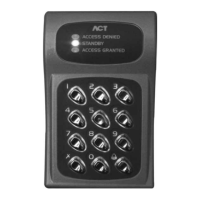
ACT 10 Digital Keypad Operating & Installation Instructions
3
30 Second Programming Guide
(For typical Standalone System)
1. Enter Programming Mode
On the digital keypad press button
✘
. Input the programming code (default is 9999). The LED
will flash yellow / orange.
2. Change User 1 Code
On the digital keypad press button 0, then press 1. Input the new User 1 code (4 digits)
3. Change Programming code
On the digital keypad press button 0. Press . Input the new programming code (4 digits)
4. Exit Programming Mode
On the digital keypad press button
✘
. The LED turns red and programming mode has been
exited.
The ACT 10 Digital Keypad is now ready for normal use.
Note: The ACT 10 Digital Keypad may be returned to its factory default condition at any time by
entering the programming mode and pressing the
button three times
.
For Door 2 Operation
1. Enter Programming Mode
2. Change User 2 Code
On the digital keypad: Press Button 0, then Press Button 2 (for User 2). Input the new User 2
code (4 digits)
3. Assign User 2 to Door 2
On the digital keypad: Press Button 1, then Press Button 2 (for User 2), then Press Button 2 (for
Door 2).
4. Exit Programming Mode
User 2 code will now activate Door 2 Relay.
ACT 10 Digital Keypad Programming
Press the
✘
button followed by the programming code (initially 9999). The yellow LED will flash while
in programming mode. To exit the programming mode press button
✘
. Exit from programming mode
occurs automatically if no key is activated for 30 seconds.


 To Next Page