EasyManua.ls Logo

ACT ACTpro 1500e - User Manual

ACT ACTpro 1500e
24 pages
Print Icon
To Next Page IconTo Next Page
Loading...
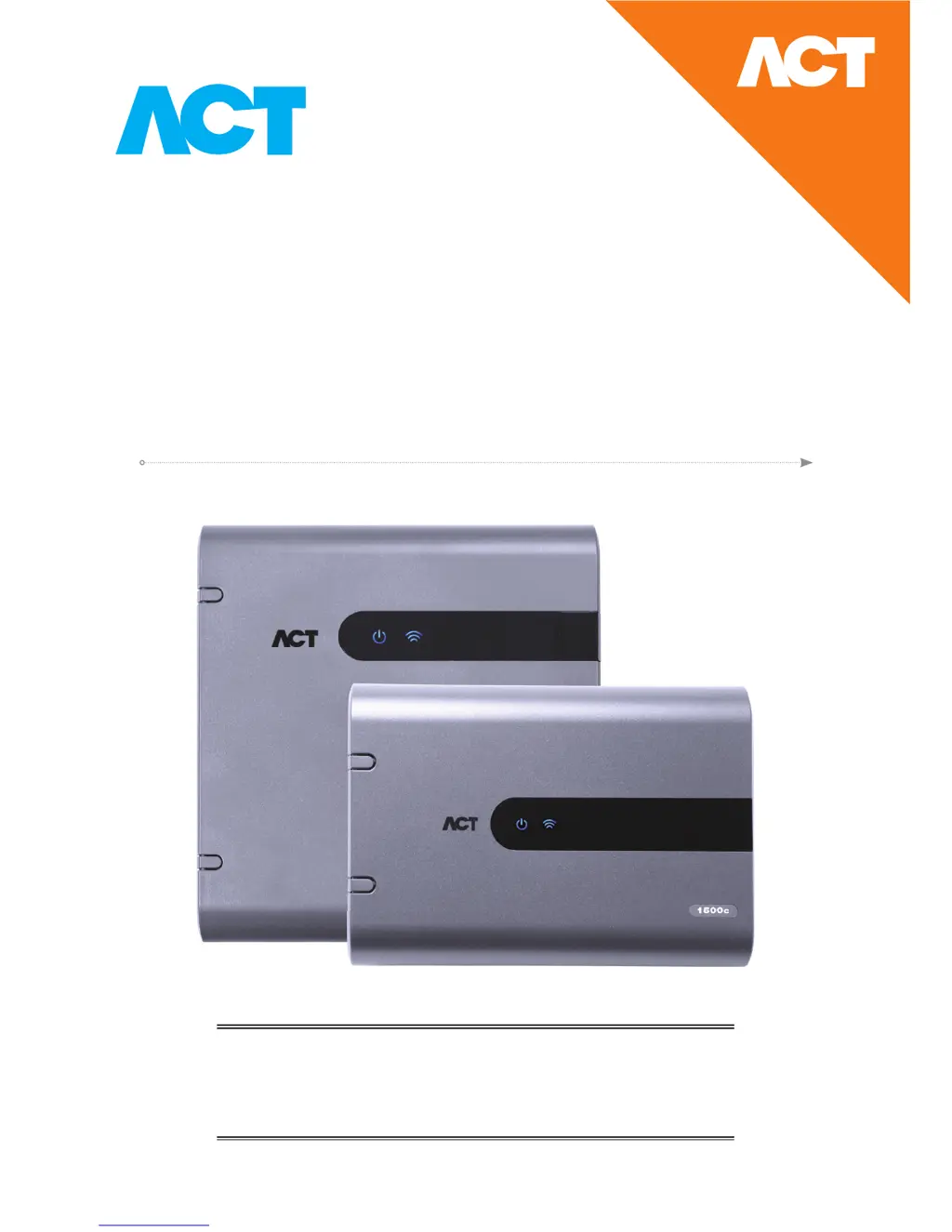
ACTpro 1520e Single Door IP Controller
with 12 Volt DC 2A PSU
ACTpro 1500e Single Door IP Controller
Operating and Installation
Instructions
ACT Product Code: ACTpro 1520e & ACTpro 1500e
pro

Questions and Answers

  • J
    Jessica NicholsonAug 8, 2025
    What to do if ACTpro 1520e/1500e Controller cannot connect?
    • M
      Matthew ShawAug 9, 2025
      If you cannot connect to the ACTpro 1520e/1500e Controller: * First, check the Green LINK LED on the ethernet jack of the Controller PCB. If it's inactive, ensure the network point is connected to a switch. * Second, verify that the IP address has been set correctly. * Third, ping the Controller using its NetBIOS name (e.g., "ping act1520e-07116") or IP address (e.g., "ping 192.168.1.60"). Use the last 5 digits from the NetBIOS label on the PCB.
  • J
    Joel SmithAug 18, 2025
    Why is the ACT ACTpro 1500e door station offline (ACTpro 120e/100e)?
    • S
      Shane HoustonAug 18, 2025
      If the ACTpro 120e/100e door station is offline, make sure that: * The door is enabled. * The correct address is assigned to the Door Station using DIP switches. * The doors network is in a daisy chain wiring configuration.
  • G
    garciakathleenAug 28, 2025
    What to do if ACT Controller access is denied?
    • D
      Dominique FlemingAug 29, 2025
      If access is denied on the ACT Controller, make sure the User is enabled and has appropriate access rights.

Summary

Typical Wiring and Connectivity

1.0 Typical wiring of ACTpro 1520 e;1500 e

Illustrates wiring for door contacts, readers, network, and locks.

Reader Installation and Wiring

2.0 Adding PIN and;or Proximity Readers

Details the wiring for connecting PIN and proximity readers.

Controller IP Address Configuration

4.1 Factory Default controller (DIP Switch 2)

Resets controller to factory settings, including IP to 192.168.1.60.

4.2 DHCP;Static IP Addressing (DIP Switch 1)

Configures the controller for DHCP or static IP address mode.

Adding Controllers - Autodiscover

8.0 Add controllers to ACT Enterprise

Details the process of automatically discovering and adding controllers to ACT Enterprise.

Troubleshooting

10.0 Troubleshooting

Provides solutions for common issues like unknown cards and connectivity.

ACT ACTpro 1500e Specifications

General IconGeneral
BrandACT
ModelACTpro 1500e
CategoryController
LanguageEnglish

Related product manuals