EasyManua.ls Logo

ACT ACTpro 1520 - User Manual

ACT ACTpro 1520
40 pages
Print Icon
To Next Page IconTo Next Page
Loading...
18-00085 Issue 1
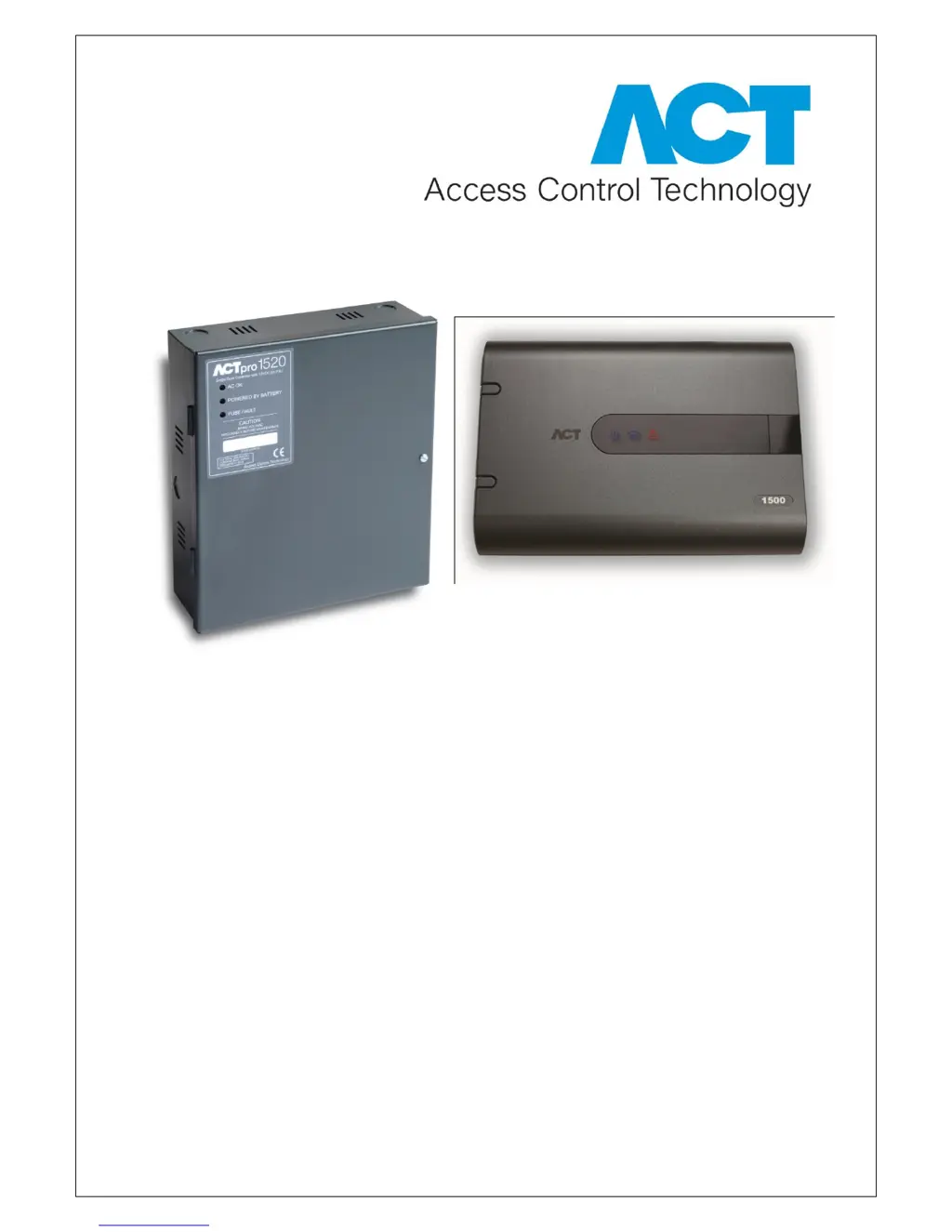
ACTpro 1500 Single Door IP Controller
ACTpro 1520 Single Door IP Controller
with 12 V DC 2 amp power supply.

Questions and Answers

  • T
    Tracy NielsenAug 3, 2025
    What to do if I cannot connect to the ACT ACTpro 1520?
    • M
      moorewilliamAug 3, 2025
      If you're having trouble connecting to the ACT1500 Controller, start by checking the Green LINK LED (located beside the Ethernet jack) on the Controller PCB to ensure it's active. If it's inactive, verify that the network point is properly connected to a switch. Also, make sure the IP address has been configured correctly. Try pinging the ACT1500 Controller using its NetBIOS name (e.g., “ping act1500-59487”) or IP address (e.g., “ping 192.168.1.60”). The last 5 digits from the NetBIOS label on the PCB can be used.
  • E
    Erika HuntAug 10, 2025
    What to do if the ACT ACTpro 1520 says 'Access Denied'?
    • B
      Brandi Barnes DDSAug 10, 2025
      If the ACT Controller displays 'Access Denied', ensure that the user is enabled and possesses the necessary access rights.
  • P
    patrickbarnettAug 18, 2025
    How to fix 'Door Offline' error on ACT ACTpro 1520?
    • E
      Elizabeth TorresAug 19, 2025
      If you're seeing a 'Door Offline' error on your ACT Controller, first ensure that the door is enabled. Also, verify that the correct address is assigned to the Door Station using the DIP switches. Finally, ensure that the door's network is configured in a daisy chain wiring configuration.
  • C
    Connie HuangAug 26, 2025
    Why does my ACT Controller show 'Unknown Card'?
    • A
      Abigail AcostaAug 26, 2025
      If your ACT Controller displays 'Unknown Card', it means the card has not been assigned within the system.

Summary

Installation Diagram

Quick Setup Guide

Adding Door Stations

IP Address Configuration

Configure DHCP Address

Steps to set the controller to obtain an IP address automatically via DHCP.

Configure Static IP Address

Steps to set a fixed IP address for the controller manually.

Change Static IP Address

Hardware Installation Guide

ACTpro 1500 Controller Status Indicators

ACTpro 1520 Controller Status Indicators

Controller Configuration Overview

Connect PC to ACTpro 1500 Controller

Guide on establishing a connection between a PC and the ACTpro 1500 controller.

Change Installer Password

Change User Password

Door settings

User settings

Access Rights

Create Door Group

Create User Group

Backup, Restore and Export database

Backup Database

Procedures for creating backups of the controller's database for data safety.

Installing ACTWin Software

Run ACTWin for First Time

Create New Database

Connect to 1500 Controller

Connect ACTWin to Multiple Controllers

ACTWin Backup and Restore

Upgrading Firmware

Defaulting Door Station

Defaulting the controller (DIP Switch 2)

Defaulting the controller (DIP Switch 2)

Resets the controller to factory default settings using DIP Switch 2.

Defaulting the Static IP address

ACT ACTpro 1520 Specifications

General IconGeneral
BrandACT
ModelACTpro 1520
CategoryController
LanguageEnglish

Related product manuals