EasyManua.ls Logo

ACT ACTpro 1520e - User Manual

ACT ACTpro 1520e
24 pages
Print Icon
To Next Page IconTo Next Page
Loading...
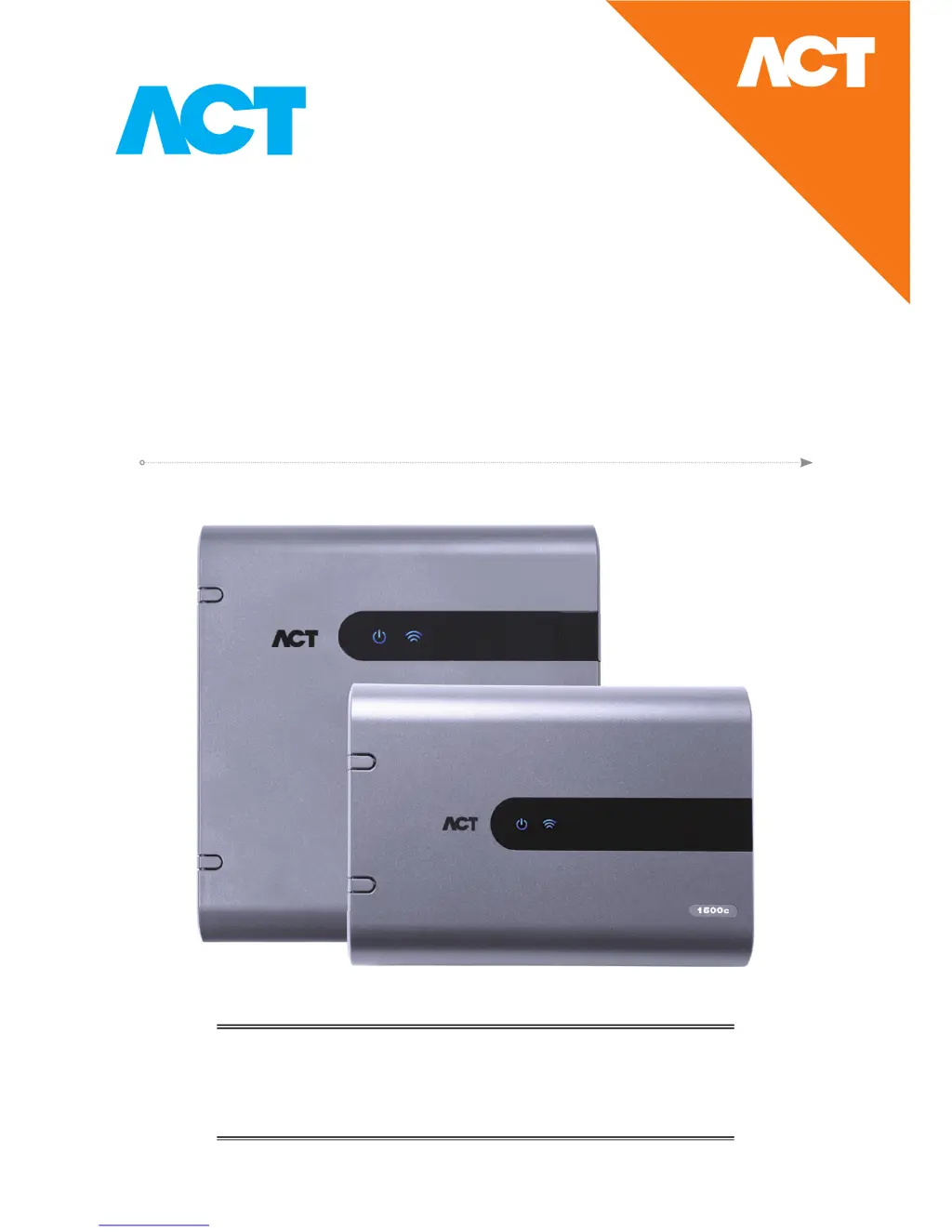
ACTpro 1520e Single Door IP Controller
with 12 Volt DC 2A PSU
ACTpro 1500e Single Door IP Controller
Operating and Installation
Instructions
ACT Product Code: ACTpro 1520e & ACTpro 1500e
pro

Questions and Answers

Summary

ACTpro 1520 e;1500 e Typical Wiring Diagram

Adding PIN and Proximity Readers

Connecting ACTpro Controllers to Customer LAN

Controller IP Address Configuration and Defaults

Factory Default Controller (DIP Switch 2)

Resets controller to factory settings, erasing data and restoring default IP address.

DHCP;Static IP Addressing (DIP Switch 1)

Sets controller to use DHCP or a fixed static IP address via DIP switch 1.

Defaulting the Static IP Address

Resets the controller's static IP address to the default value of 192.168.1.60.

Changing Static IP Address on ACTpro Controller

Guides changing the controller's static IP address through web interface or ACT Software.

Configuring PC;Laptop for Static IP Address

ACTpro 1520 e;1500 e Controller Status Indicators

Installing ACT Enterprise Software

Download and Extract Setup Program

Steps to download and extract the ACT Enterprise software installation package.

Installing ACT Enterprise

Instructions for executing the ACT Enterprise setup program with administrator privileges.

Adding ACTpro Controllers to ACT Enterprise

Backup and Restore from ACT Enterprise

Troubleshooting Common Issues

ACTpro 1520 e Installation & Technical Specifications

Fire Override Configuration

Interlock;Airlock Configuration

Intruder Panel Wiring and Programming

Product Specifications and Capabilities

Ordering Information and Product Codes

Summary

ACTpro 1520 e;1500 e Typical Wiring Diagram

Adding PIN and Proximity Readers

Connecting ACTpro Controllers to Customer LAN

Controller IP Address Configuration and Defaults

Factory Default Controller (DIP Switch 2)

Resets controller to factory settings, erasing data and restoring default IP address.

DHCP;Static IP Addressing (DIP Switch 1)

Sets controller to use DHCP or a fixed static IP address via DIP switch 1.

Defaulting the Static IP Address

Resets the controller's static IP address to the default value of 192.168.1.60.

Changing Static IP Address on ACTpro Controller

Guides changing the controller's static IP address through web interface or ACT Software.

Configuring PC;Laptop for Static IP Address

ACTpro 1520 e;1500 e Controller Status Indicators

Installing ACT Enterprise Software

Download and Extract Setup Program

Steps to download and extract the ACT Enterprise software installation package.

Installing ACT Enterprise

Instructions for executing the ACT Enterprise setup program with administrator privileges.

Adding ACTpro Controllers to ACT Enterprise

Backup and Restore from ACT Enterprise

Troubleshooting Common Issues

ACTpro 1520 e Installation & Technical Specifications

Fire Override Configuration

Interlock;Airlock Configuration

Intruder Panel Wiring and Programming

Product Specifications and Capabilities

Ordering Information and Product Codes

ACT ACTpro 1520e Specifications

General IconGeneral
ModelACTpro 1520e
TypeController
Number of Doors Supported2
Reader Ports2
Power Supply12V DC
Input Voltage12V DC
Output Current1A
Inputs4
Number of Outputs4
Protection ClassIP30
ConnectivityTCP/IP, RS-485
Operating Temperature-10°C to 50°C

Related product manuals