Copyright © 2016 Access Control Technology Ltd. Part No. 18-00099 Issue 1.0
11
ACTpro 1520e and ACTpro 1500e Operating & Installation Instructions
7.0 Installing ACT Enterprise
The ACTpro Controller can be congured and managed by ACT Enterprise software.
ACT Enterprise software must be used on sites with more than one ACTpro Controller.
Before installing ACT Enterprise software ensure the user account has sufcient rights to
install applications.
7.1 Download and extract the setup program
ACT Enterprise software can be downloaded from www.act.eu website. You must be
registered (via the interACT portal on act.eu) with ACT which is a simple process and free
of charge.
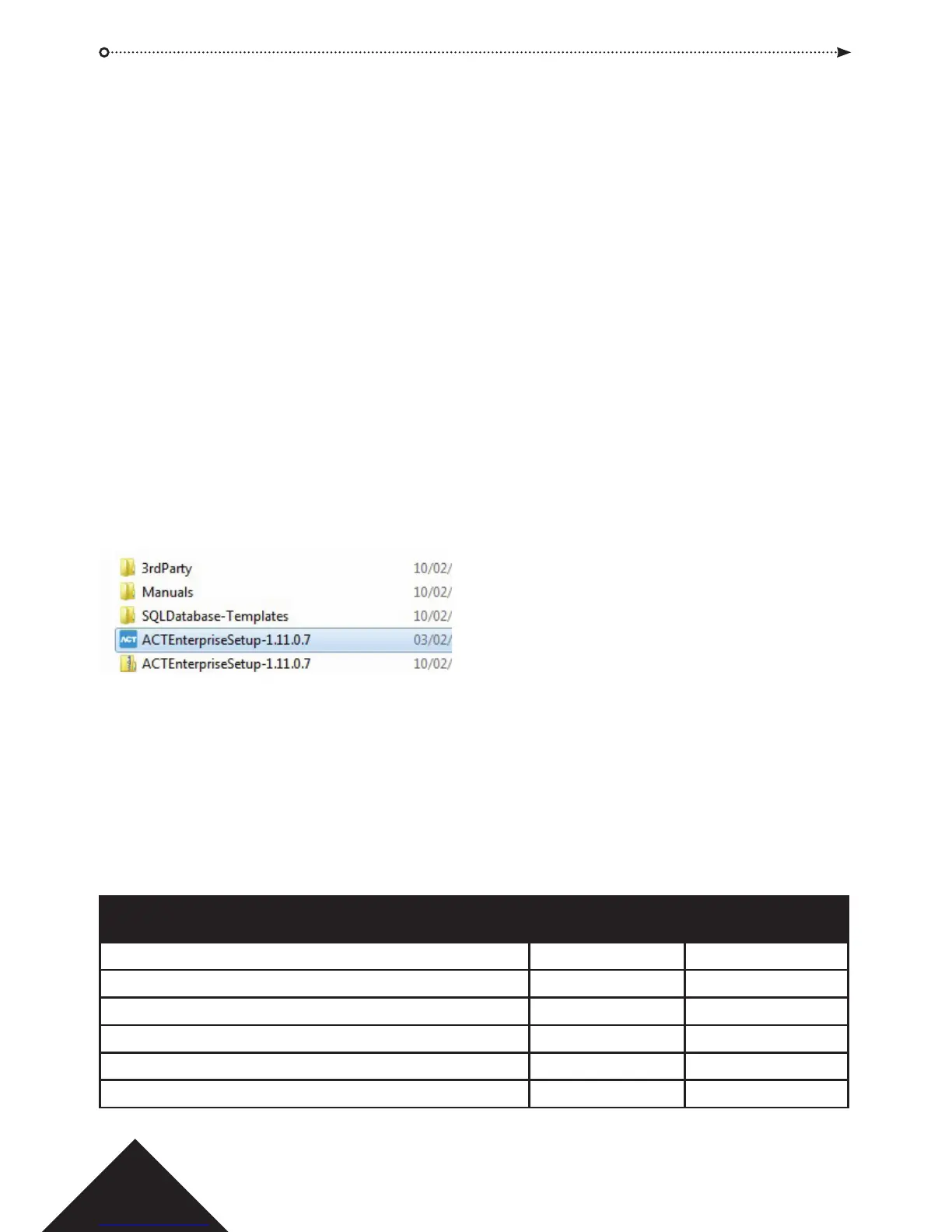
Extract ACT Enterprise into a folder on the computer.
7.2 Installing ACT Enterprise
Right click on ACTEnterpriseSetup le and select “run as administrator” and follow the
on-screen instructions to complete the installation.
ACT Enterprise Lite is licensed for a single computer and up to 100 doors. ACT Enterprise
pro is unrestricted and includes Sitemaps and Multi-tenant.
ACT Enterprise is compatible with all supported professional versions of Microsoft
operating systems. For systems with more than one PC, ACTenterprise must be installed
in a Windows domain.
Operating System ACTEnterprise ACTEnterprise
Pro Lite230VAC +/-
Microsoft Vista - 32 & 64 bit Yes Yes
Microsoft Windows 7 - 32 & 64 bit Yes Yes
Microsoft Windows 8 - 32 & 64 bit Yes Yes
Microsoft Windows 10 - 32 & 64 bit Yes Yes
Microsoft 2008 Server professional - 32 & 64 bit Yes Yes
Microsoft 2012 Server professional - 32 & 64 bit Yes Yes



 To Next Page