ACTpro 1500 and 1520 Operating and Installation Manual
Page 20
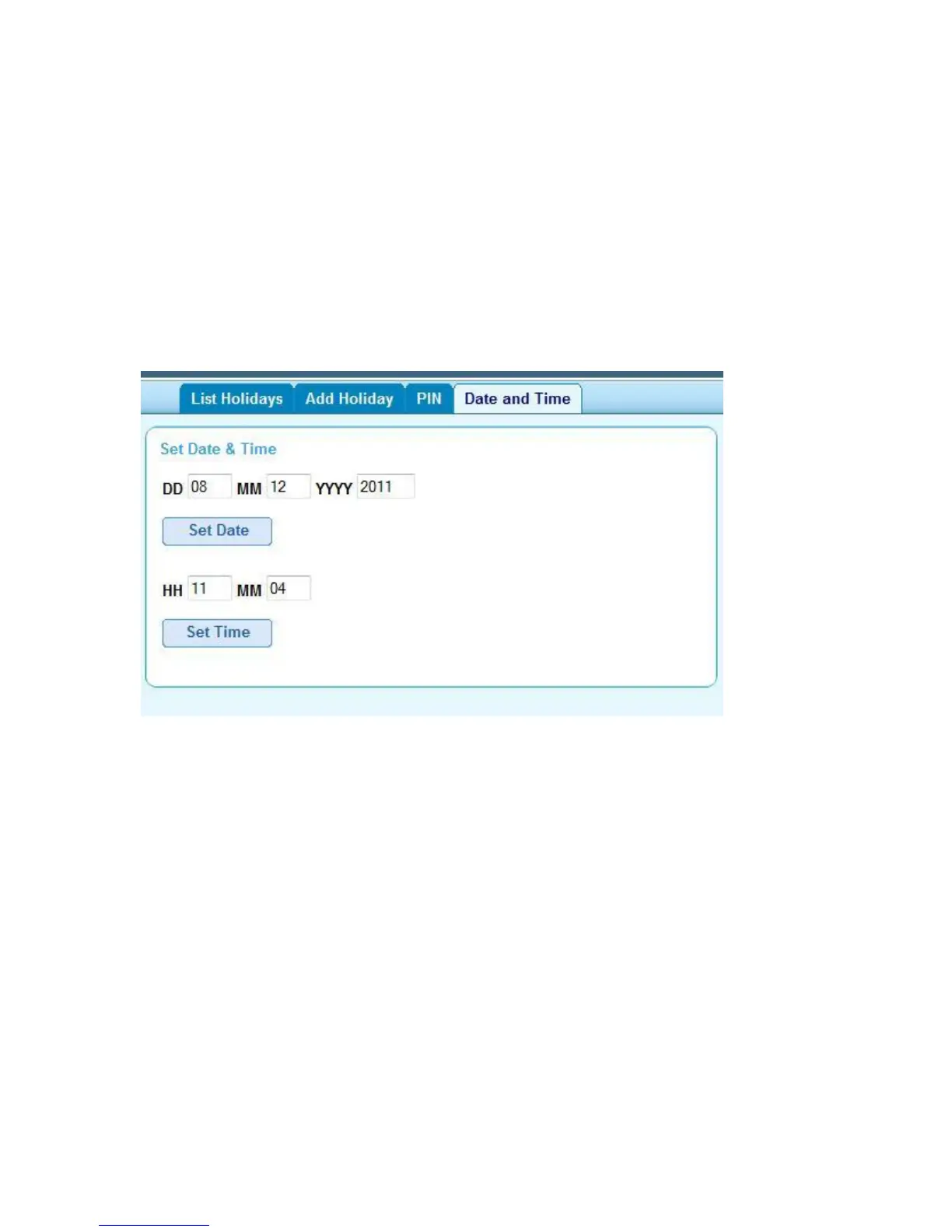
9.4 Set controller Date and Time
Step 1: Login under the user account
Step 2: Select setting option (top-right of screen)
Step 3: Select “Date and Time” tab.
Step 4: Enter correct date and time
Step 5: Set Date or Set Time



 To Next Page