ACTpro 1500 and 1520 Operating and Installation Manual
Page 16
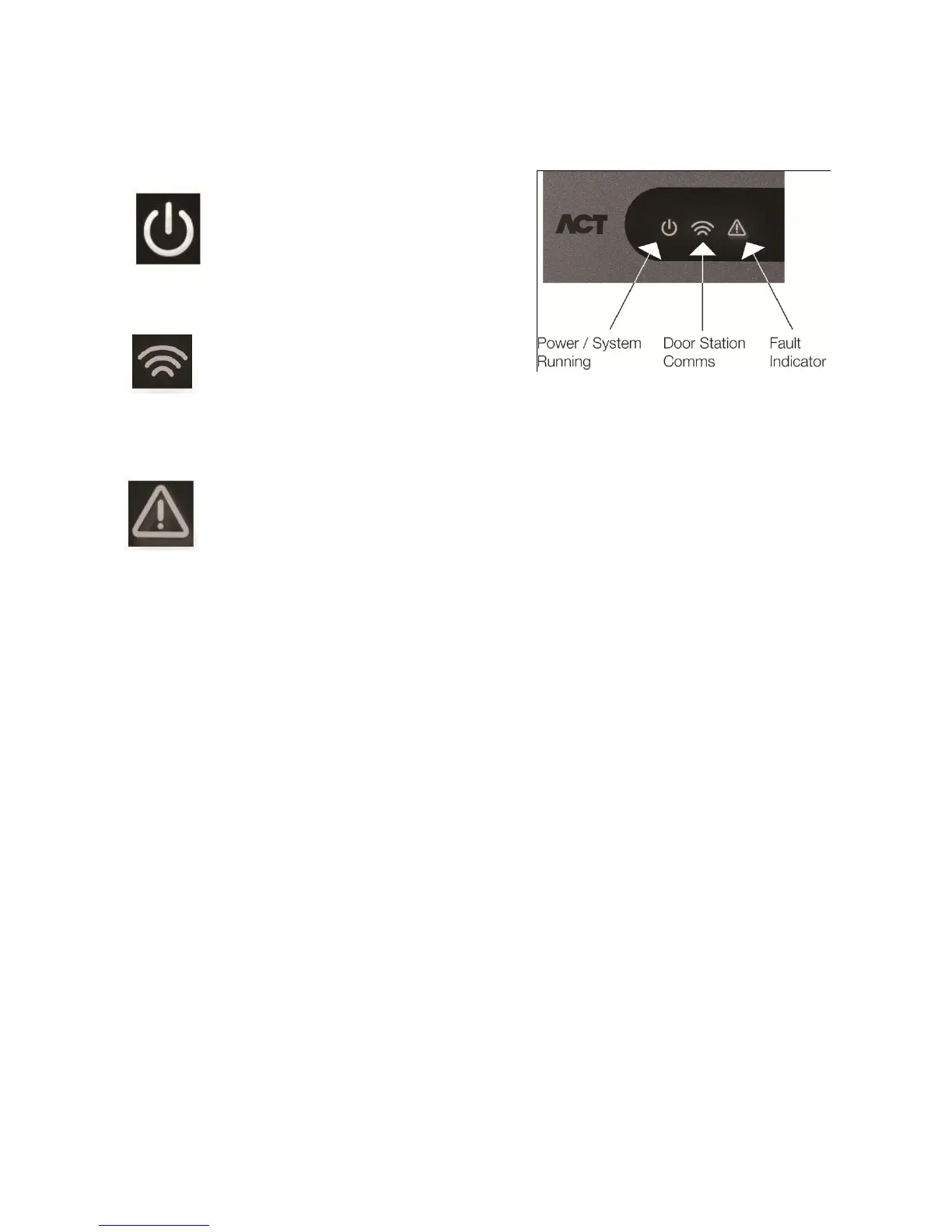
7.0 ACTpro 1500 Controller Status Indicators
Blue: Power
This indicates that the ACTpro 1500
has power.
Blue: Communications
Constant illumination indicates that all
enabled door stations are online.
Flashing indicates that one or more door stations are offline.
Red: Fault.
This illuminates to indicate an alarm on the system, possible causes are:
1. Tamper open: ACTpro1500 plastic housing is not closed. In situations where the
ACT plastic housing is not being used, connect TAMPER input on the ACTpro1500
PCB to 0V.
2. Break Glass: ACTpro 1500 provides a method to monitor an Emergency break
glass switch via the B/GL input. The fault LED will illuminate if the Emergency break
glass switch is activated.
3. Mains Fault: ACTpro1500 will accept a mains present signal from a PSU. This is
wired into MAINS PRESENT input on the PCB. When the PSU has no mains supply
the fault is active.
4. Door Station offline: When one or more enabled door stations is not communicating
with the ACTpro 1500 the Fault LED illuminates and the appropriate network
communications indicator will flash.
5. Low Supply Voltage: When voltage to the +12V terminal is less than +9V.
6. Fuse Blown: The +12V output on the READER terminals is current limited to
provide short circuit protection. The Fault LED will illuminate if too much current is
pulled from this connection.



 To Next Page