ACTpro 1500 and 1520 Operating and Installation Manual
Page 19
9.2 Change Installer Password
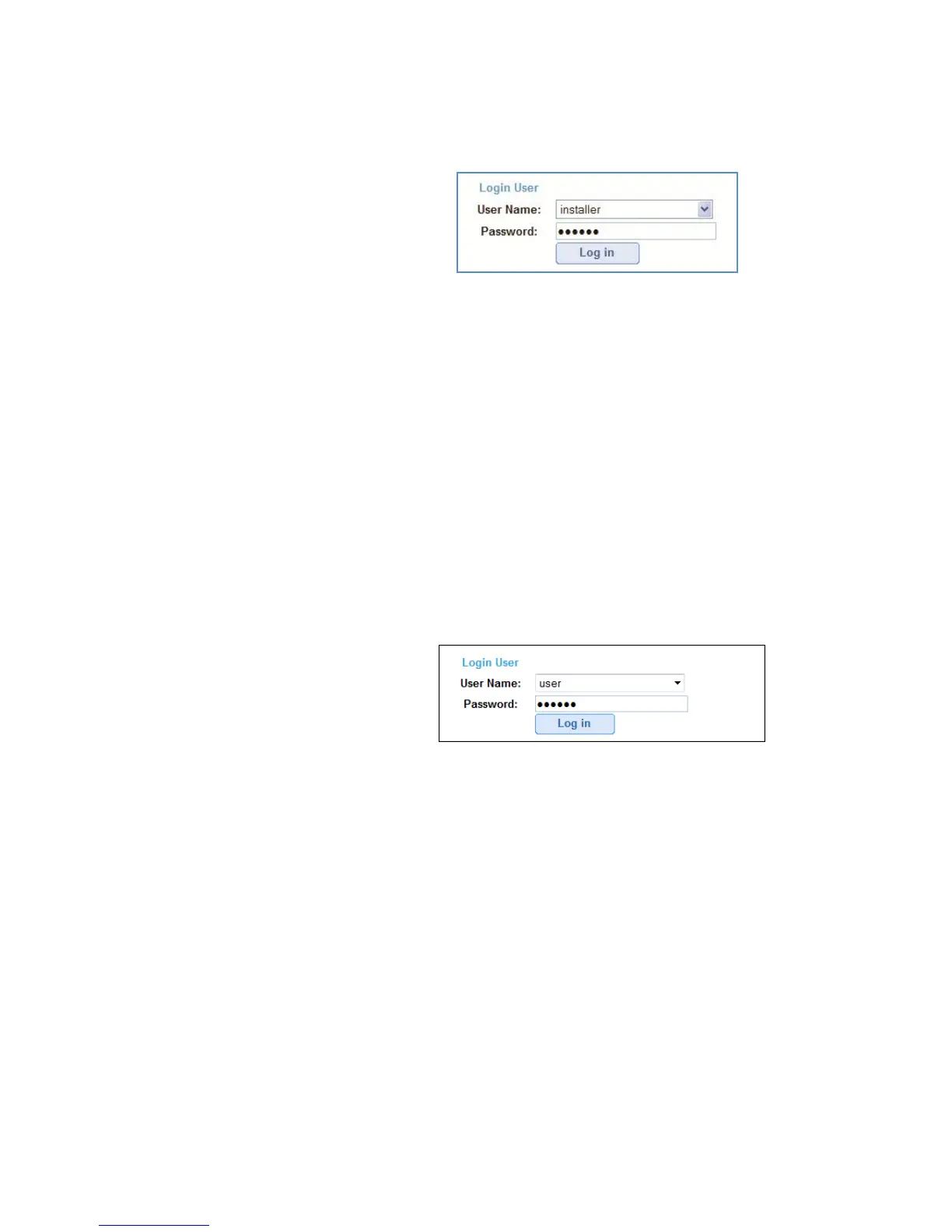
Login to the controller as installer
Login details:
Username: installer
Password: 999999
Change installer password
Step 1: Login in as “installer”
Step 2: Go to the “settings” link (top–right of screen)
Step 3: Select “PIN code” tab
Step 4: Enter new 6 digit code
Step 5: Save
9.3 Change User Password
Login to the controller as user
Login details:
Username: user
Password: 123456
Change user password
Step 1: Login as “user”
Step 2: Go to the “settings” link (top–right of screen)
Step 3: Select “PIN code” tab
Step 4: Enter new 6 digit code
Step 5: Save
Warning: It’s important that the passwords for “installer” and “user” are different
and retained in a safe location as the passwords cannot be retrieved. If either code
is lost a factory default will be required.



 To Next Page