710-00002.5
NOTE:
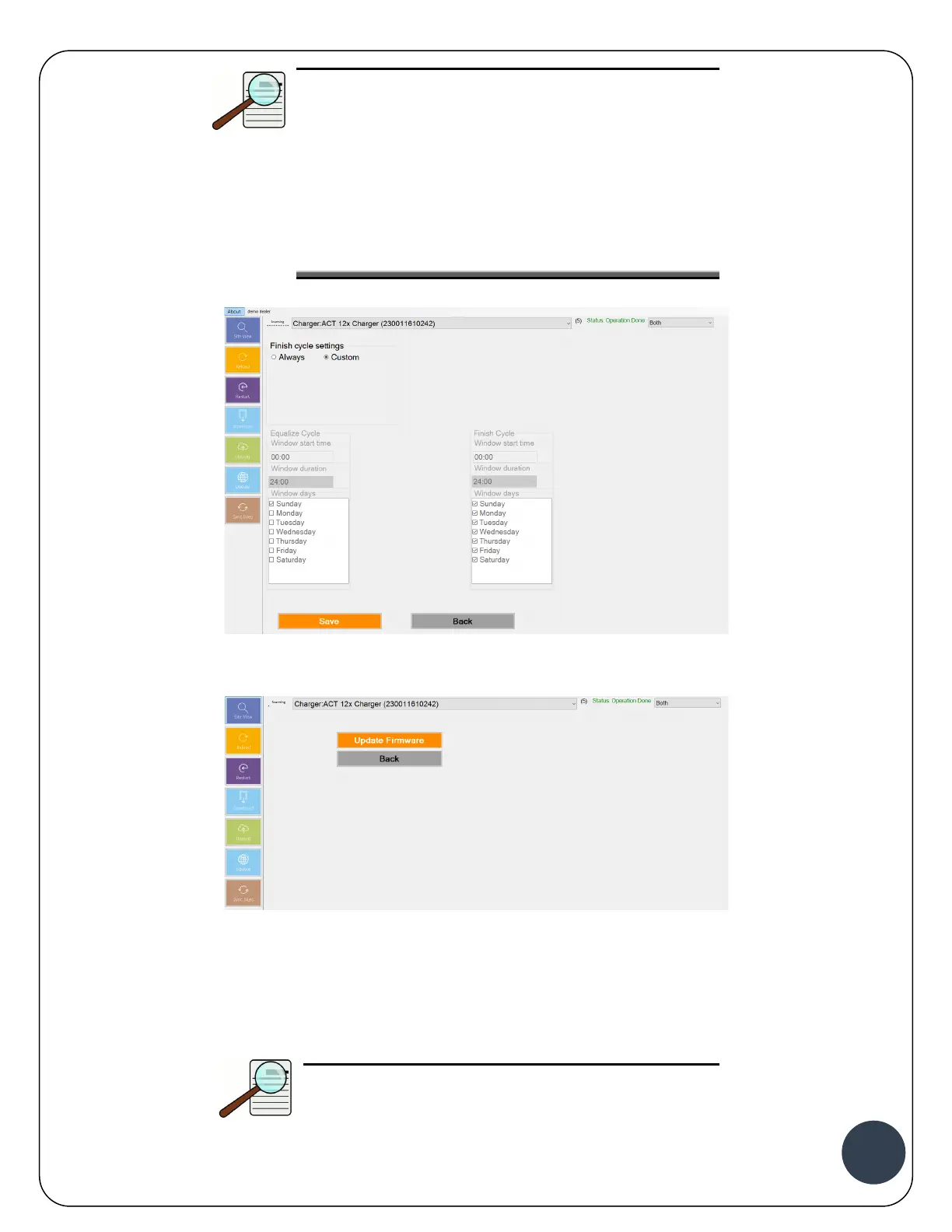
The Finish and Equalize Window Start Time uses
military time format. The window start time plus the
window duration will dictate the overall window
duration.
For the selected days, the Finish or EQ cycles will be
enabled at the window start time for the number of
hours specified in the window duration.
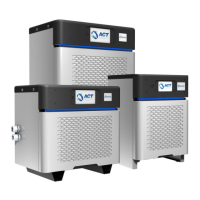
11. Click Back to go to the Main Menu, and click on Update Firmware.
12. Click on Update Firmware to ensure the latest firmware is installed on the charger (if any).
Wait for the firmware to update and the charger to restart.
13. Close ACT-Link software and connect to a network with Internet access.
NOTE:
If there is no internet connection available at the


 To Next Page