011807-EN--B (2022-12_S617 S717F S900 S950 C50_IFU)
24 / 49
5.3.2 MAIN INTERFACE OF C50 INTRAORAL CAMERA
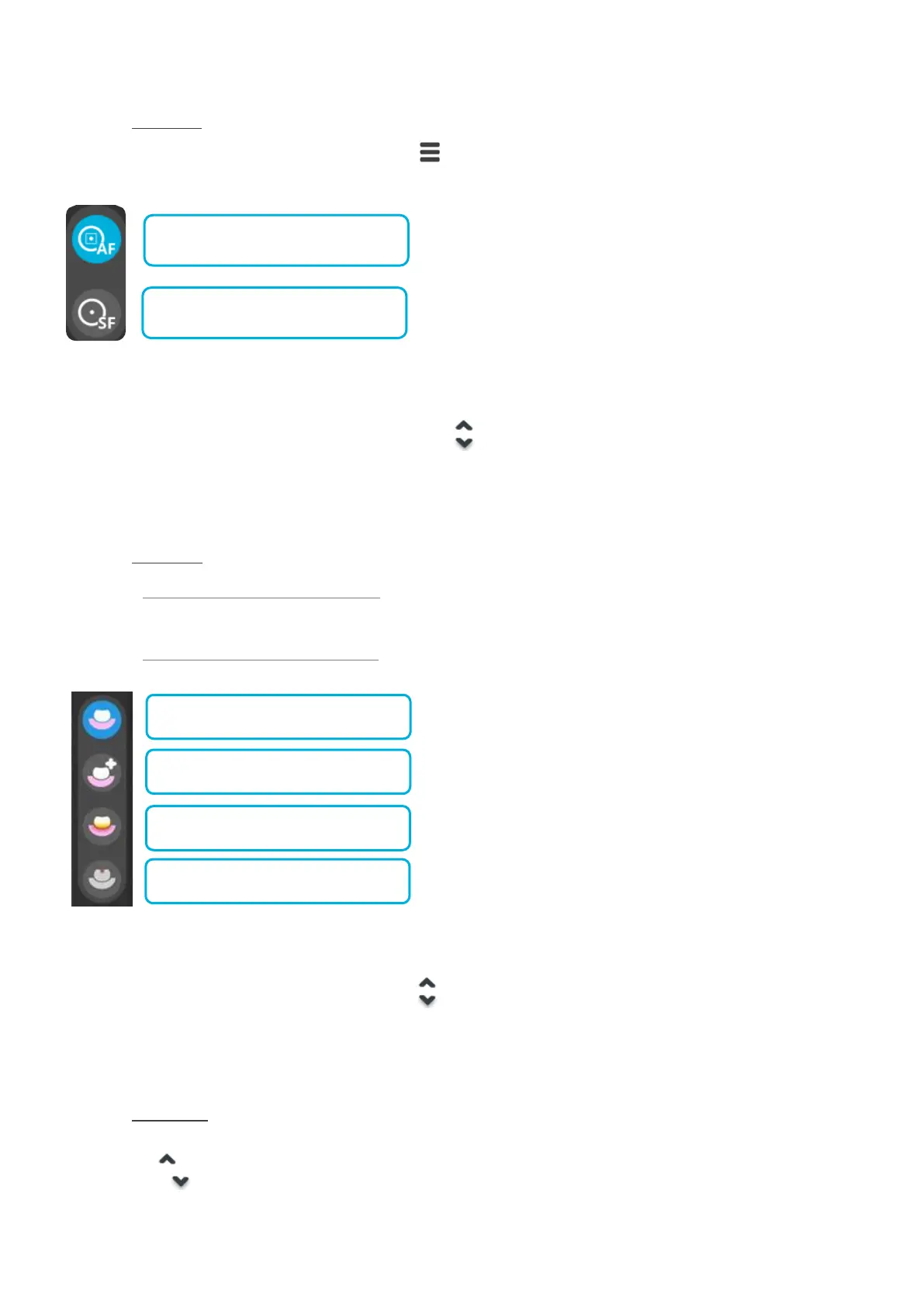
5.3.2.1 FOCUS MODE
To access the focus menu, use the camera menu button or your mouse.
The menu displays two options:
The option selected is highlighted in blue.
AF is the default option selected when the video acquisition module is used for the first time.
If you change the focus to SF this option will be the one applied by default until you switch back to AF.
To change the focus option, press the camera arrows buttons or select the desired option with a mouse click.
The selected option is applied immediately.
If no action is taken during 3s, the system automatically exits the focus menu.
5.3.2.2 VISION MODE
5.3.2.2.1 With DIAGNOSTIC AID option disabled
With the DIAGNOSTIC AID option disabled the default vison is the DAYLIGHT mode.
5.3.2.2.2 With DIAGNOSTIC AID option enabled
The option selected is highlighted in blue.
DAYLIGHT Mode is the default option applied when the video acquisition module is used.
To change the option, press the camera arrows buttons or select the desired option with a mouse click.
The selection option is applied immediately.
If no action is taken during 3s, the system automatically exits the menu.
5.3.2.3 DIGITAL ZOOM
To use the ZOOM:
- ZOOM IN
- ZOOM OUT
The video acquisition module interface indicates the ZOOM factor as depicted bellow:















 To Next Page