011807-EN--B (2022-12_S617 S717F S900 S950 C50_IFU)
25 / 49
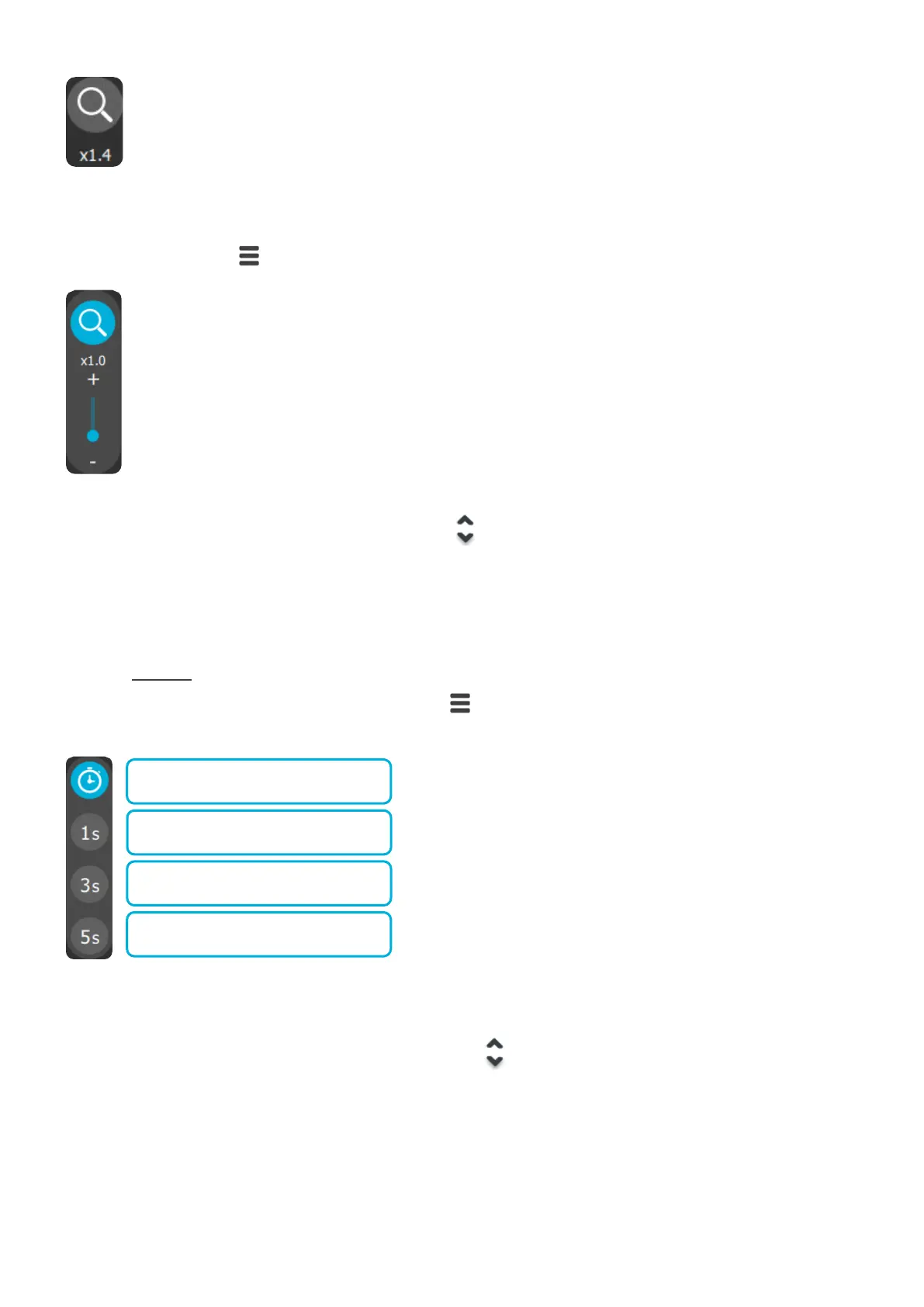
Long press the up/down arrows to increase or diminish the ZOOM factor fluently from x1 to x2.
It is possible to define the ZOOM function as Quick Access in the advanced settings menu of the module. If this is done, a short
press on the camera up/down arrows will increase or diminish the ZOOM factor step-by-step from x1 to x2 or vice versa.
If the camera menu button or your mouse is used, the behaviour is the following one:
By default, the ZOOM factor is x1 each time you run the application.
To change the zoom factor, use the camera arrows buttons or select the blue slider dot with a mouse to increase or
decrease the magnification.
The maximum digital zoom is “x2”
If no action is taken during 3s, the system automatically exits the menu.
5.3.2.4 SELF-TIMER
To access the Self-Timer menu, use the camera menu button or your mouse.
The menu offers four options:
The option selected is highlighted in blue.
The Self-Timer option is set to OFF when video acquisition module is used for the first time.
If you modify the Self-Timer setting, the option selected will be applied by default until a new option is selected.
To change the Self-Timer option, press the camera arrows buttons or select the desired option with a mouse click.
Your selection is applied immediately.
If no action is taken during 3s, the system automatically exits the menu.















 To Next Page