011807-EN--B (2022-12_S617 S717F S900 S950 C50_IFU)
27 / 49
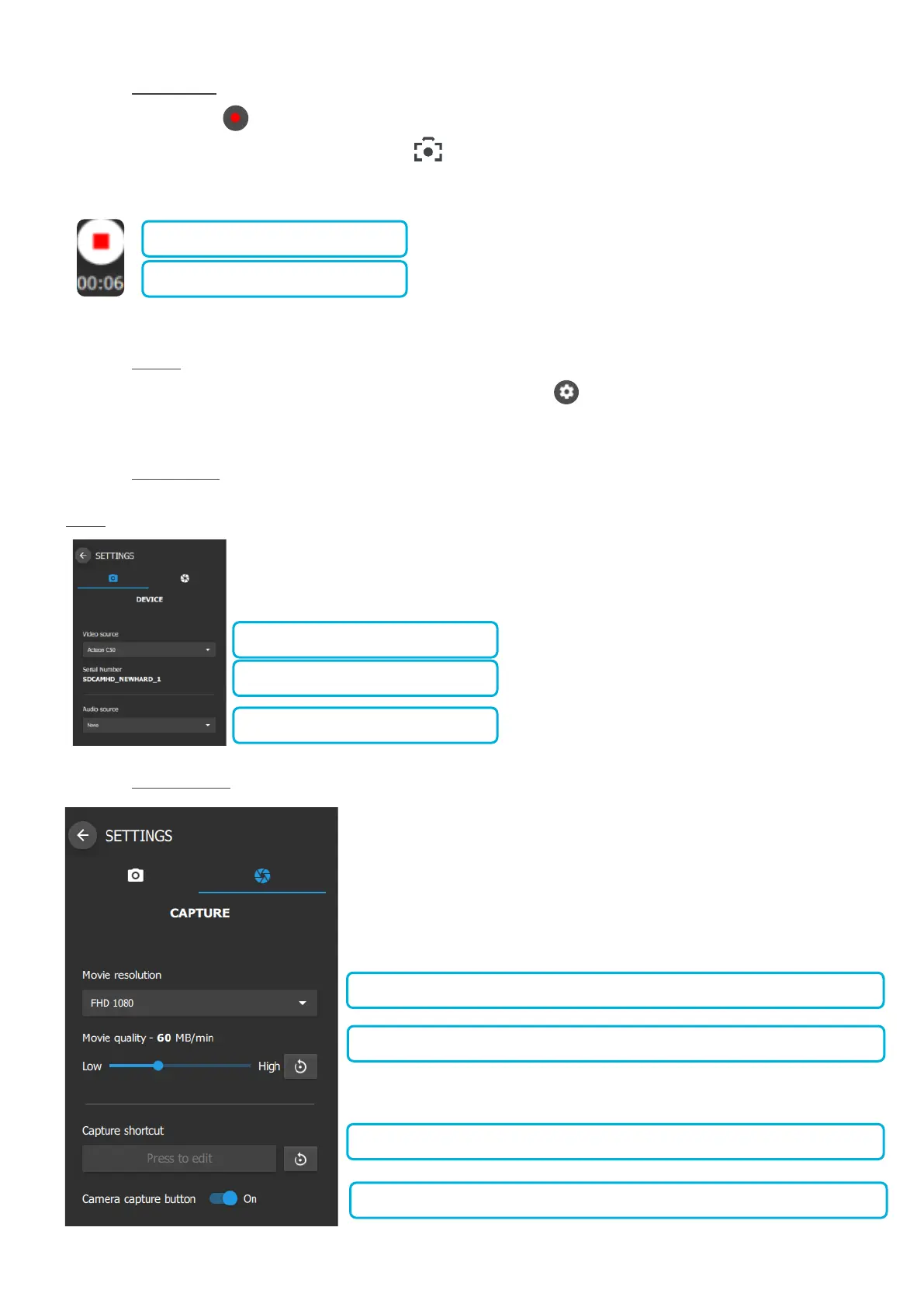
5.3.2.7 MOVIE CAPTURE
When the record button is pressed in the video acquisition module or if the imaging software is running in movie mode,
filming can be controlled via the camera capture button . As soon as the recording is in progress the movie capture button
changes colour:
5.3.2.8 SETTINGS
To access to the video acquisition module setting press the dedicated button present in the top left corner of the video
acquisition module.
5.3.2.9 DEVICE SETTINGS
If a camera is already connected to the computer, the video source should be configured automatically.
NOTE: Only ACTEON cameras can be used with the video acquisition module.
5.3.2.10 CAPTURE SETTINGS















 To Next Page