011807-EN--B (2022-12_S617 S717F S900 S950 C50_IFU)
28 / 49
5.3.2.10.1 Movie resolution
The movie resolution can be defined in this setting:
- FHD 1080
- HD 720
- SD 540
5.3.2.10.2 Movie quality
Video quality compression can be adjusted from 30MB/minute to 120MB/minute.
The default value is 60MB/minute.
5.3.2.10.3 Capture shortcut
In accordance with the capture mode used (still image or movie), an image or a film can be captured by means of a shortcut
defined in the dedicated field.
Select “Press to edit” and create a shortcut to use either the keyboard or the optional USB footswitch (ref.# 009009).
5.3.2.10.4 Reset to default settings
To return to the default value after having changed a setting, press the reset button .
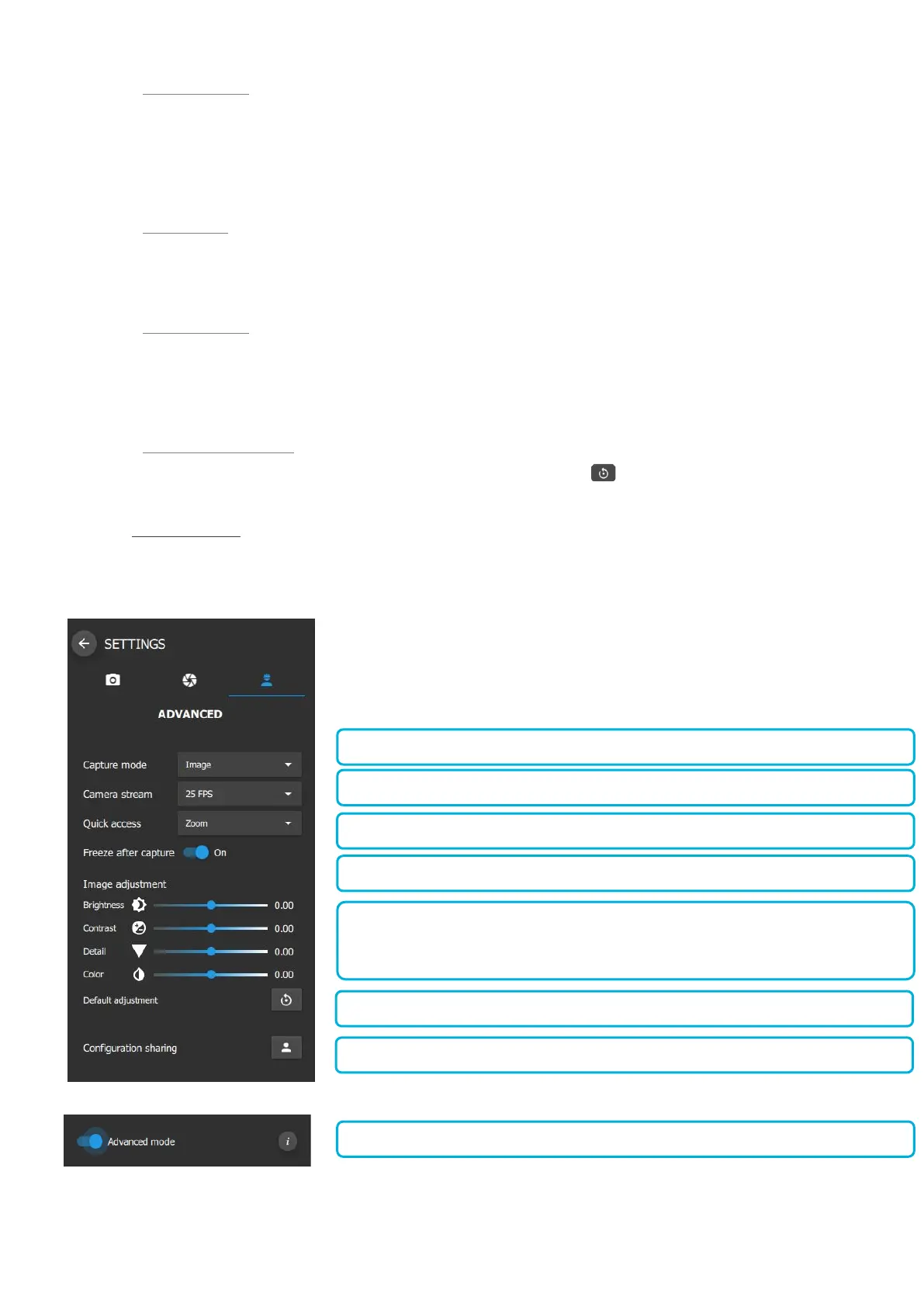
5.3.2.11 ADVANCED SETTINGS
To access the Advanced Settings, use the toggle button “Advanced mode” option depicted below.
The following parameters can be adjusted on this menu:















 To Next Page