011807-EN--B (2022-12_S617 S717F S900 S950 C50_IFU)
29 / 49
5.3.2.11.1 Capture mode
When the imaging software is opened in Image mode, an image can be taken by pressing the camera capture button or by
means of the user-defined shortcut.
When the imaging software is opened in Video mode, a movie can be taken by pressing the camera capture button or by
means of the user-defined shortcut.
5.3.2.11.2 Camera stream
This option is defined by the computer region and language and can be changed if needed. Two options are provided:
- 25 FPS
- 30 FPS
5.3.2.11.3 Quick Access – C50 ONLY
C50 with Fluorescence option disabled: default option ZOOM.
C50 with Fluorescence option enabled: default option DIAGNOSTIC AID.
5.3.2.11.4 Reset to default settings
To return to the default value after having changed a setting, press the reset button .
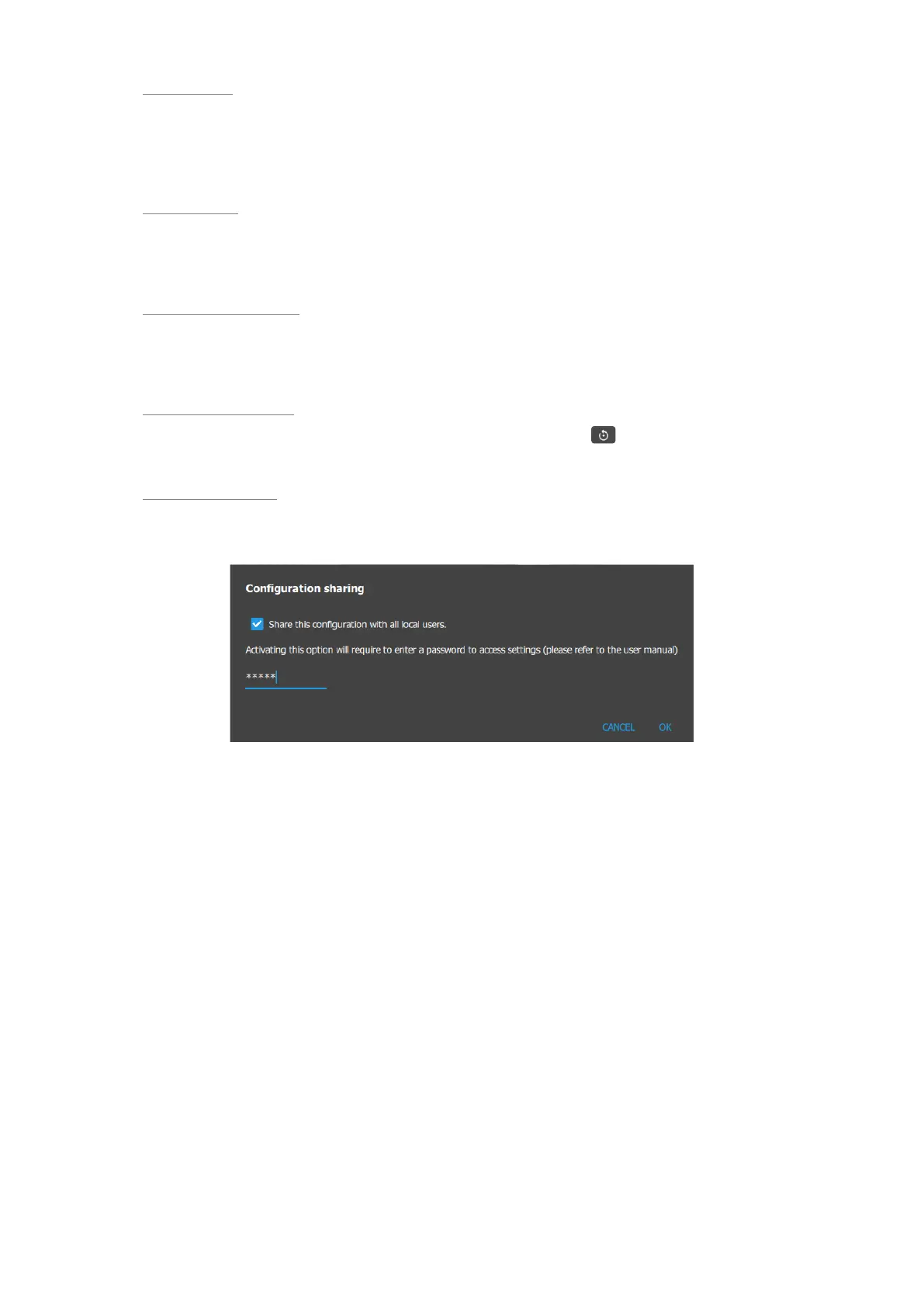
5.3.2.11.5 Configuration sharing
A password is required to share the module configuration with all the users of the computer: admin .















 To Next Page