011807-EN--B (2022-12_S617 S717F S900 S950 C50_IFU)
31 / 49
The option selected is highlighted in blue.
The Self-Timer option is set to OFF when video acquisition module is used for the first time.
If you modify the Self-Timer setting, the option selected will be applied by default until a new option is selected.
To change the Self-Timer option, press the camera arrows buttons or select the desired option with a mouse click.
Your selection is applied immediately.
If no action is taken during 3s, the system automatically exits the menu.
5.3.3.2 IMAGE CAPTURE
The default option present in the Advanced Settings of the video acquisition module is Freeze After Capture.
When this option is enabled and an image is captured, either via the camera capture button or the video acquisition
module Capture button , the image captured appears frozen and the capture button on the video acquisition module
displays the following message:
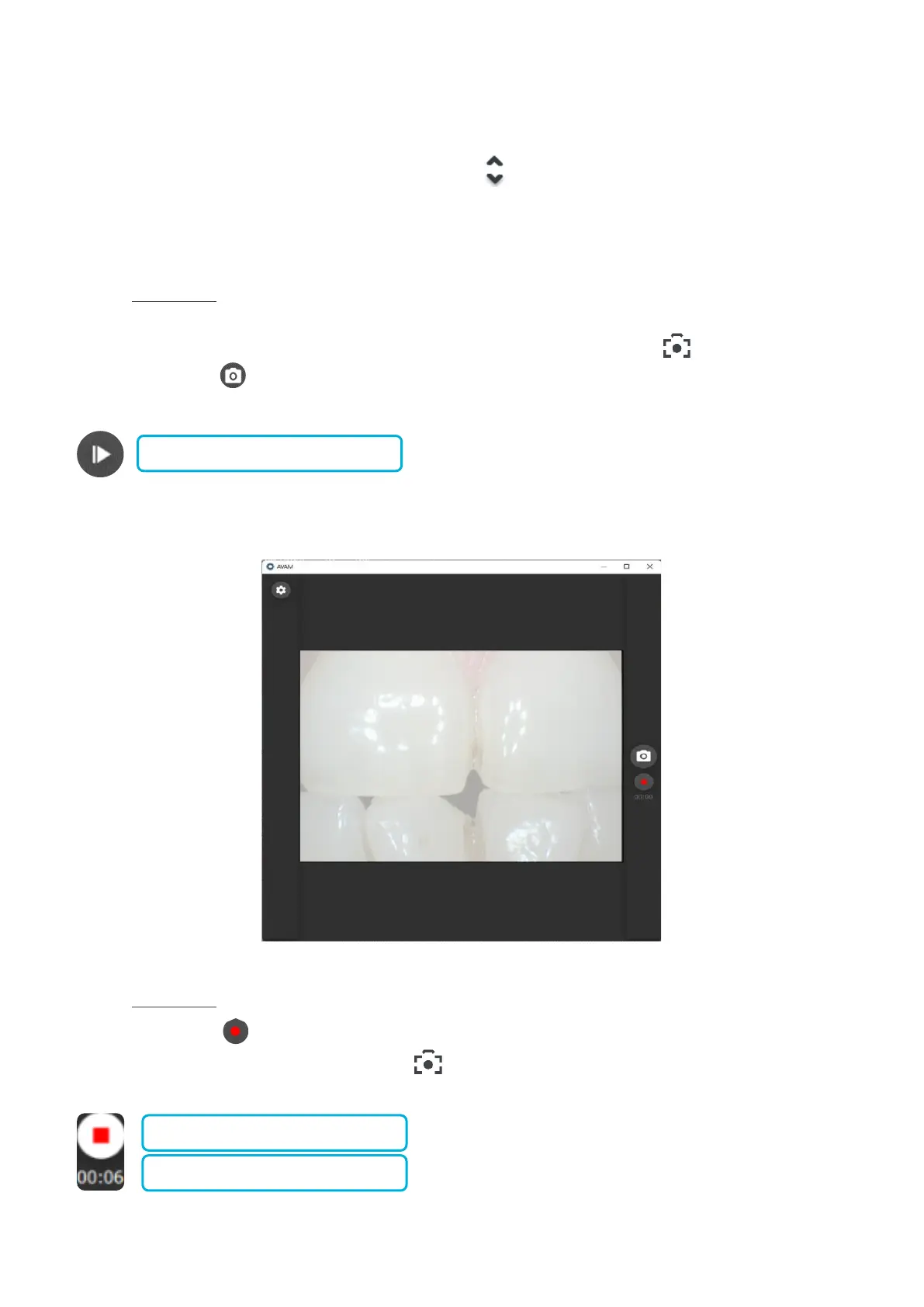
As soon as an image is captured a white flash lasting less than a second appears on the video stream (see image below),
denoting that an image has been taken.
5.3.3.3 MOVIE CAPTURE
When the record button is pressed in the video acquisition module or if the imaging software is running in movie mode,
filming can be controlled via the camera capture button . As soon as the recording is in progress the movie capture button
appears as below:















 To Next Page