011807-EN--B (2022-12_S617 S717F S900 S950 C50_IFU)
32 / 49
5.3.3.4 SETTINGS
To access to the video acquisition module setting, press the dedicated button present in the top left corner of the video
acquisition module.
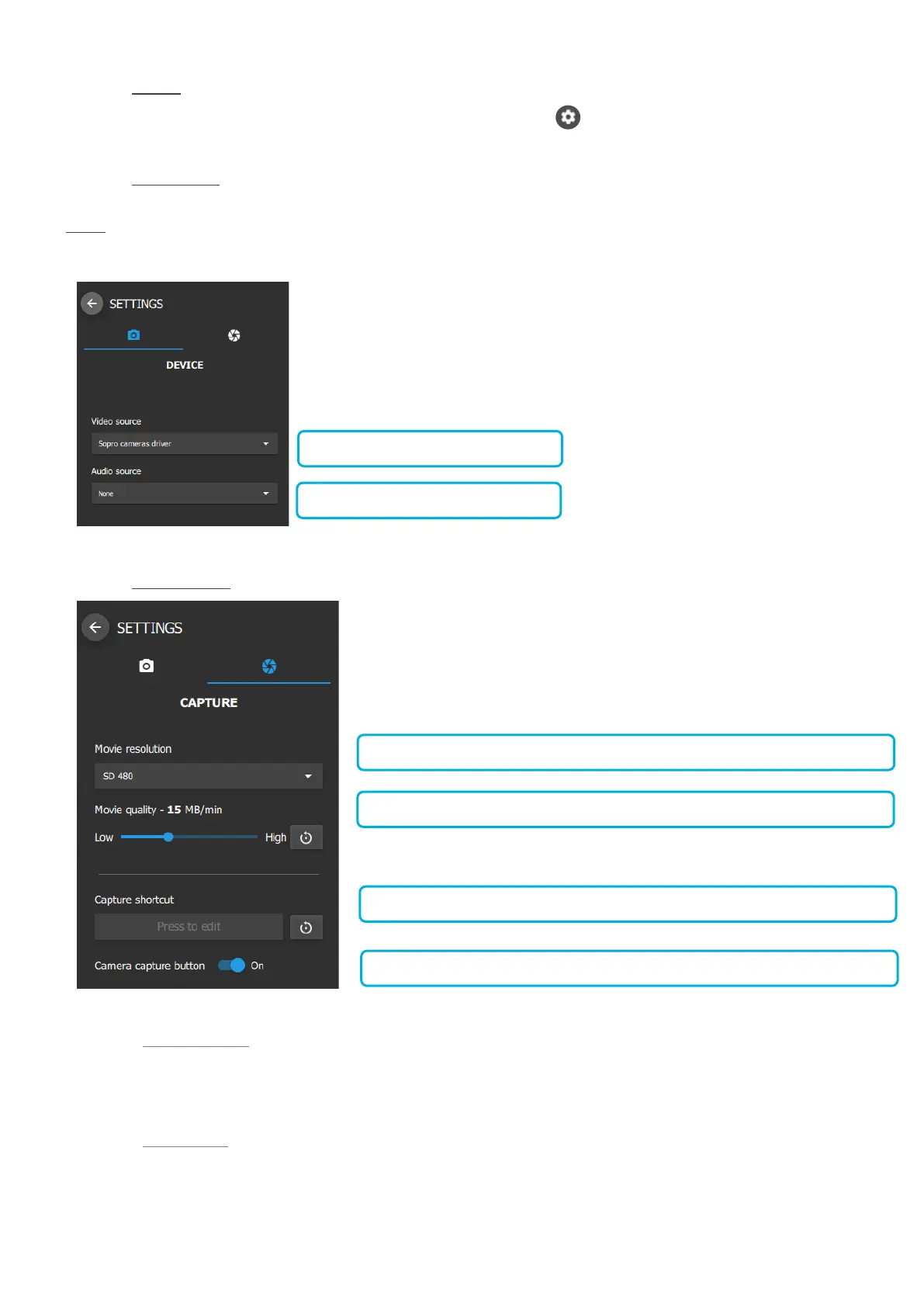
5.3.3.5 DEVICE SETTINGS
If a camera is already connected to the computer, the video source should be configured automatically.
NOTE: Only ACTEON cameras can be used with the video acquisition module.
5.3.3.6 CAPTURE SETTINGS
5.3.3.6.1 Movie resolution
The movie resolution is displayed:
- SD 480
5.3.3.6.2 Movie quality
Video quality compression can be adjusted from 7,5MB/minute to 30MB/minute.
The default value is 15MB/minute.















 To Next Page